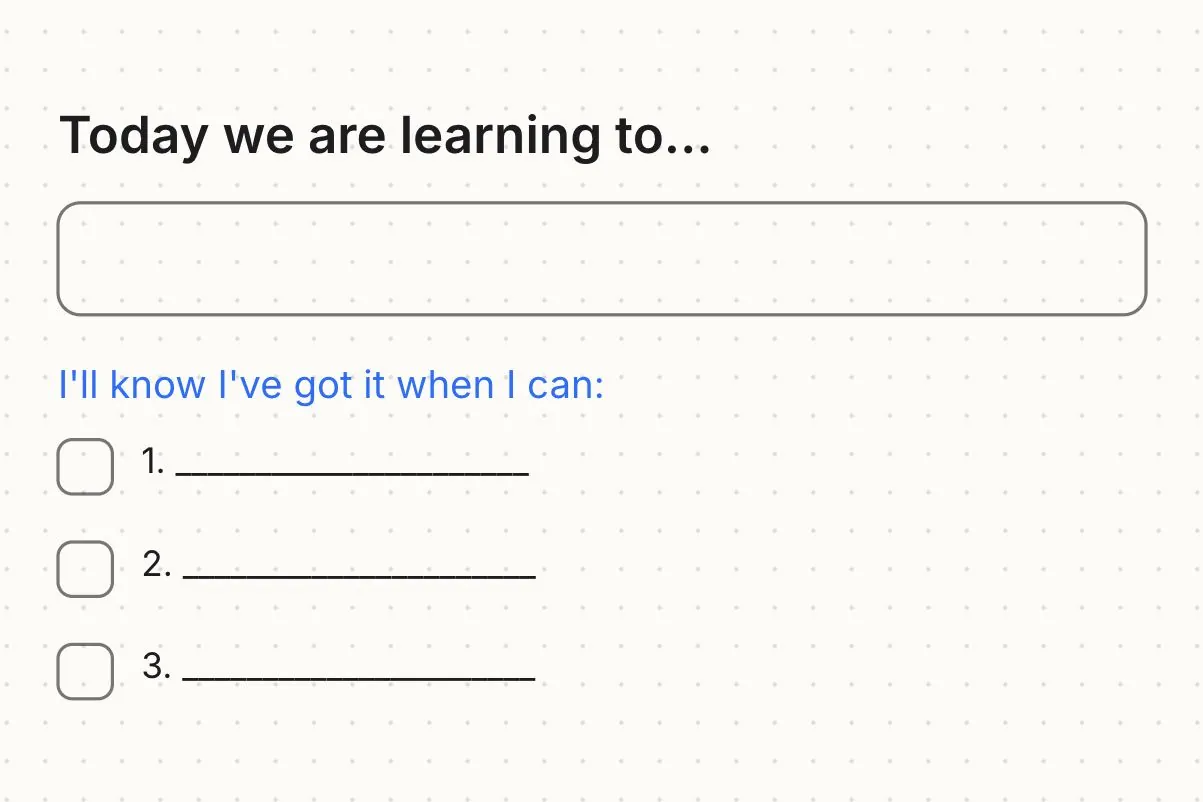
Lesson aims
What we'll learn, and how we'll know
Use this starter
Spelling practice
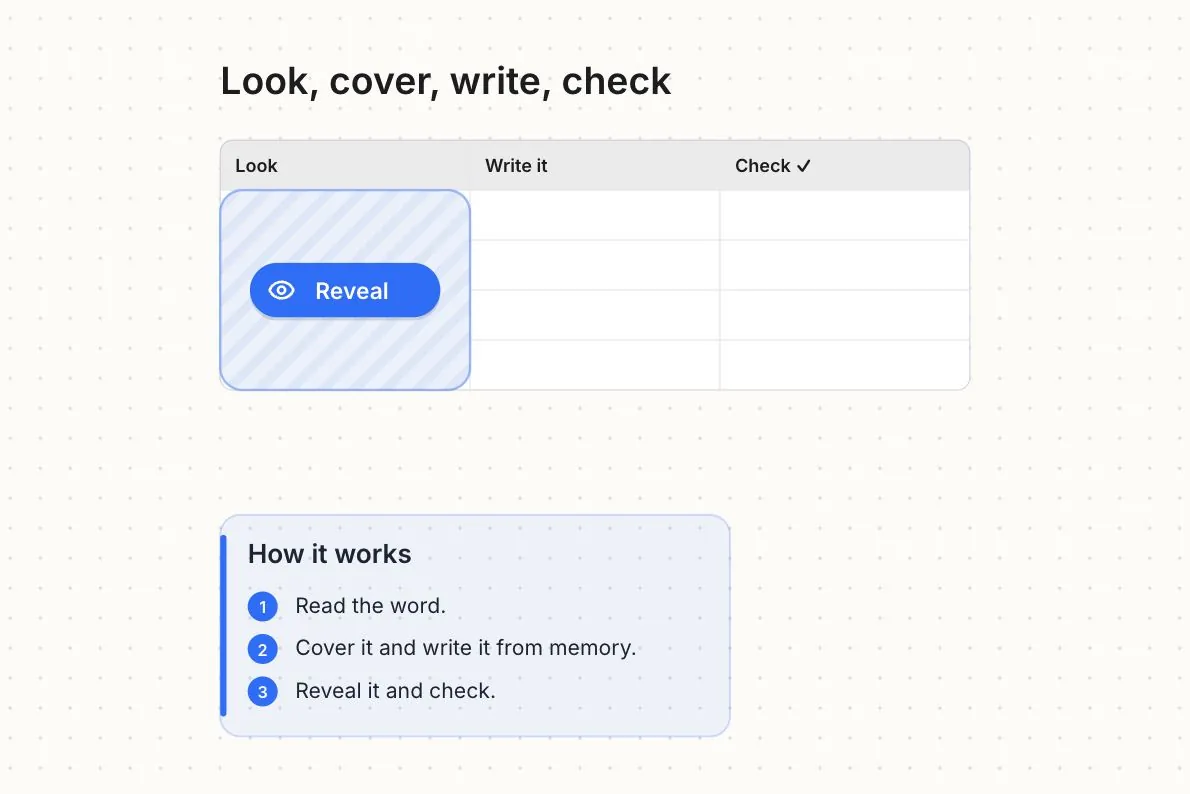
Look, cover, write, check. A free lesson starter for Lesson Screen: change anything, then teach it live with your class.
Try it first needs no account.
How to run it in class
10 min- 1Add the wordsType this week's words in the Look column.
- 2Look, cover, writeStudents read a word, cover it, and write it from memory.
- 3CheckReveal it and tick or correct. Try a spelling test game with the same words.
Why it works
Look, cover, write, check builds memory by making students recall each word, not just copy it. Checking straight away fixes mistakes before they stick.
Ideas to adapt it
- Use the week's words from your phonics scheme.
- Add a sentence column for each word.
- Turn the same words into a spelling game.
Questions
How long does it take?
About 10 minutes. It stays saved in your lesson, so you can come back to it next time.
Can I use it with one student?
Yes. Do three words, then test the hardest again at the end.
Do students need an account?
No. Go live and share the link or the code. Students join from any device with nothing to install, and you can give each of them their own copy.
Is this starter free?
Yes. Open it, change anything and teach with it on the free plan, which has every feature and live lessons with up to 5 students. Try it first needs no account.
More any subject starters
See all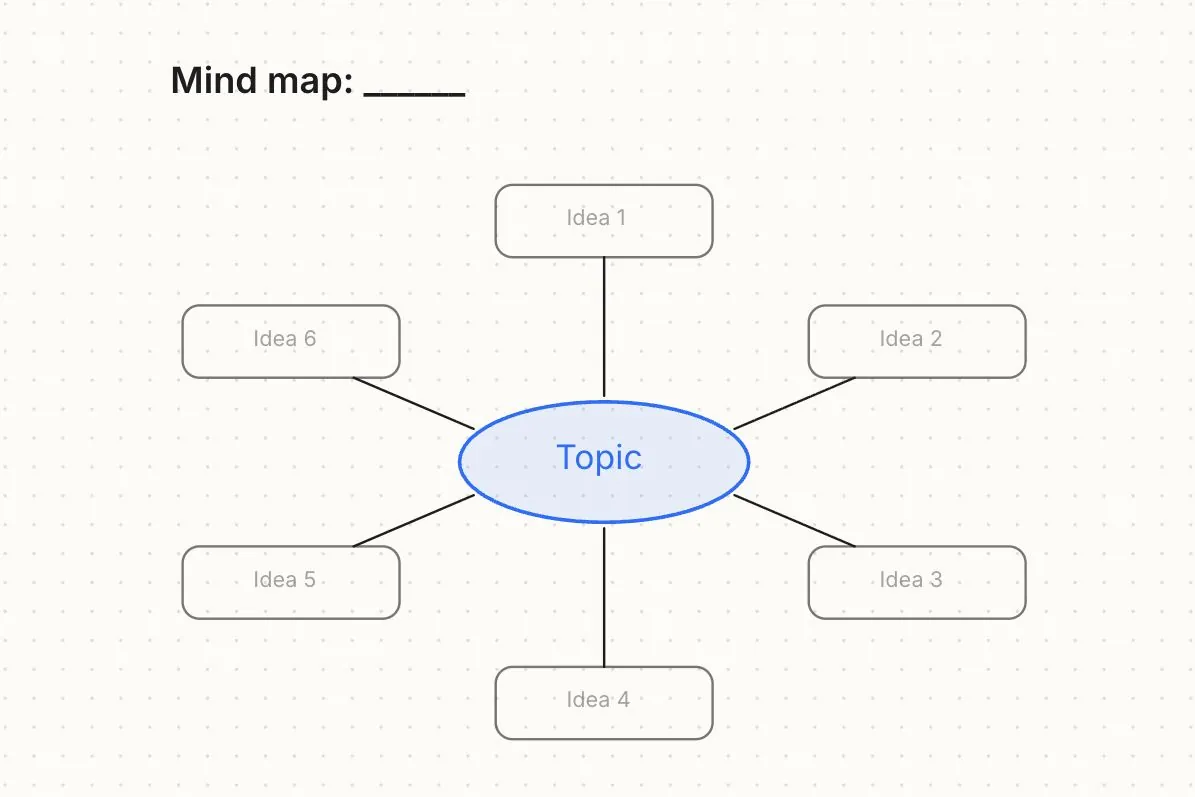
Mind map
A topic in the middle, six ideas around it
Use this starter
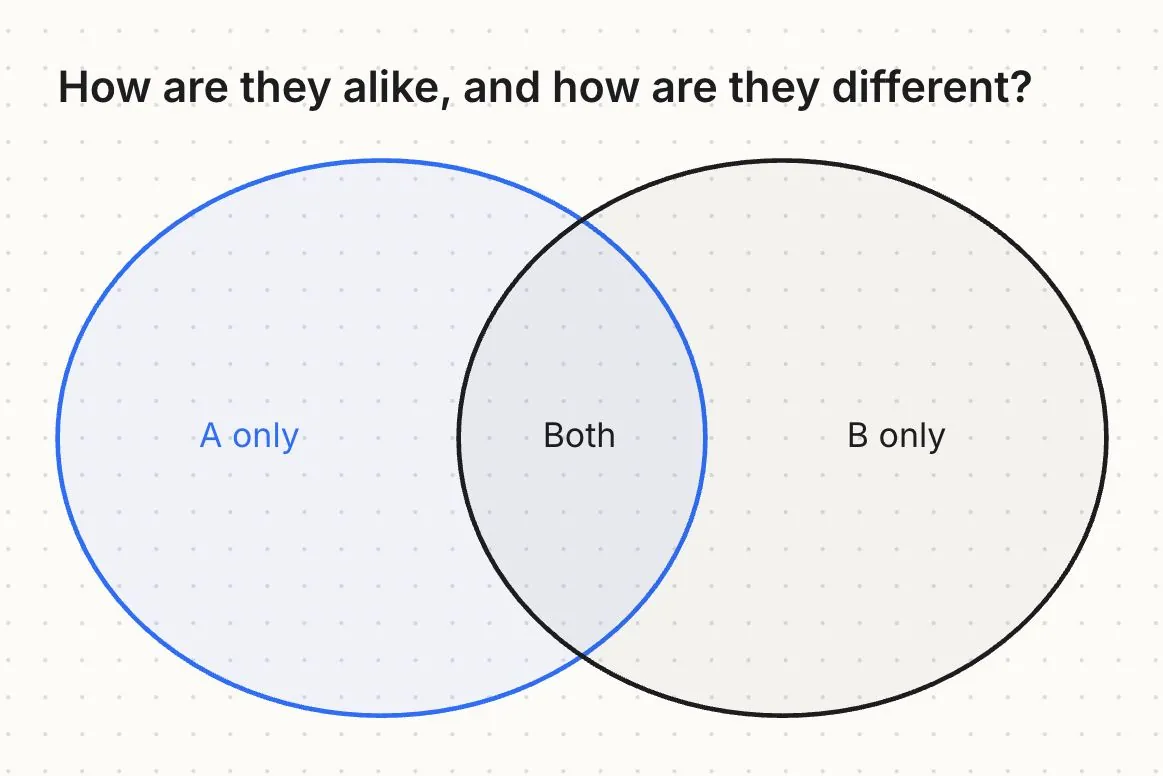
Compare in a Venn
Two overlapping circles: different and the same
Use this starter