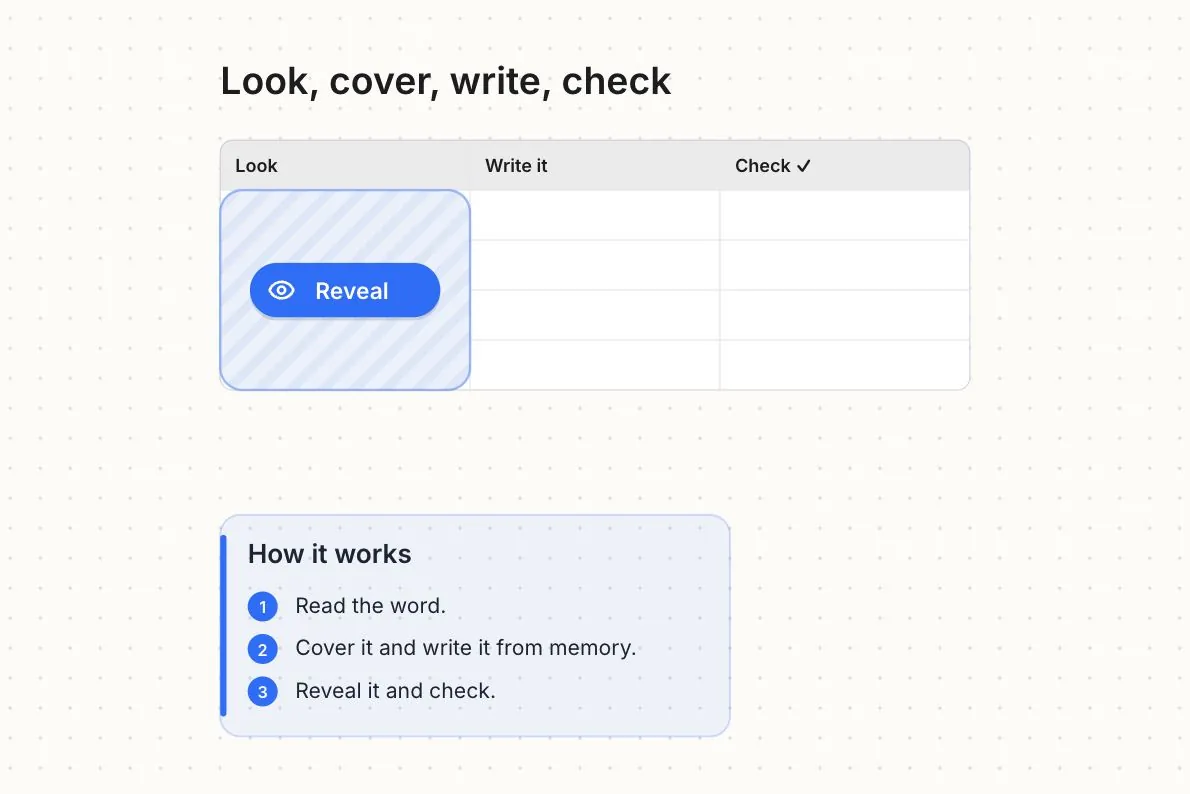
Spelling practice
Look, cover, write, check
Use this starter
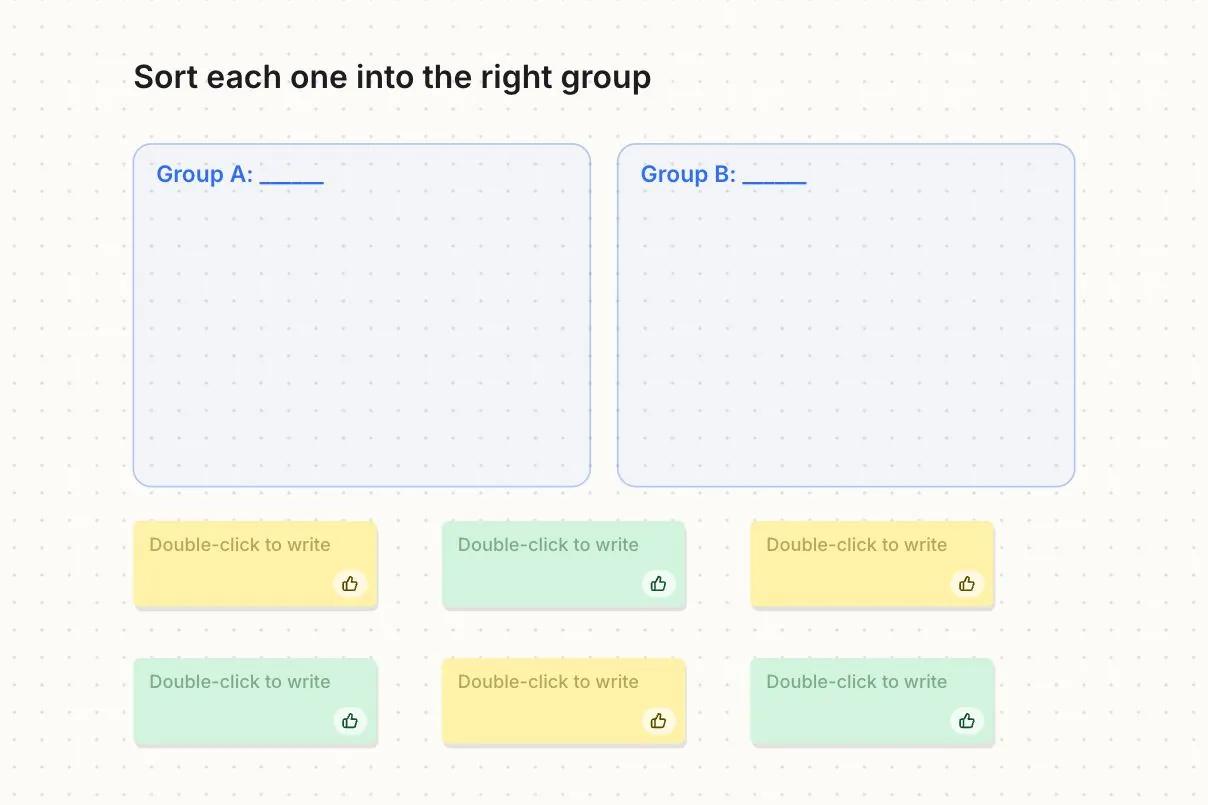
Sort into two groups
Two boxes and notes to drag into them. A free lesson starter for Lesson Screen: change anything, then teach it live with your class.
Try it first needs no account.
How to run it in class
10 min- 1Name the groupsChange Group A and Group B, and the words on the notes.
- 2Drag to sortStudents take turns dragging a note into a box.
- 3Ask whyFor each one, ask why it goes there. Move it if the class disagrees.
Why it works
Sorting asks students to think about what makes something belong. Asking why for each note turns a simple drag into real reasoning.
Ideas to adapt it
- Sort words by sound, like short and long vowels.
- Sort animals by where they live.
- Let students make the notes for a partner to sort.
Questions
How long does it take?
About 10 minutes. It stays saved in your lesson, so you can come back to it next time.
Can I use it with one student?
Yes. Let them sort, then check two you think are wrong.
Do students need an account?
No. Go live and share the link or the code. Students join from any device with nothing to install, and you can give each of them their own copy.
Is this starter free?
Yes. Open it, change anything and teach with it on the free plan, which has every feature and live lessons with up to 5 students. Try it first needs no account.
More any subject starters
See all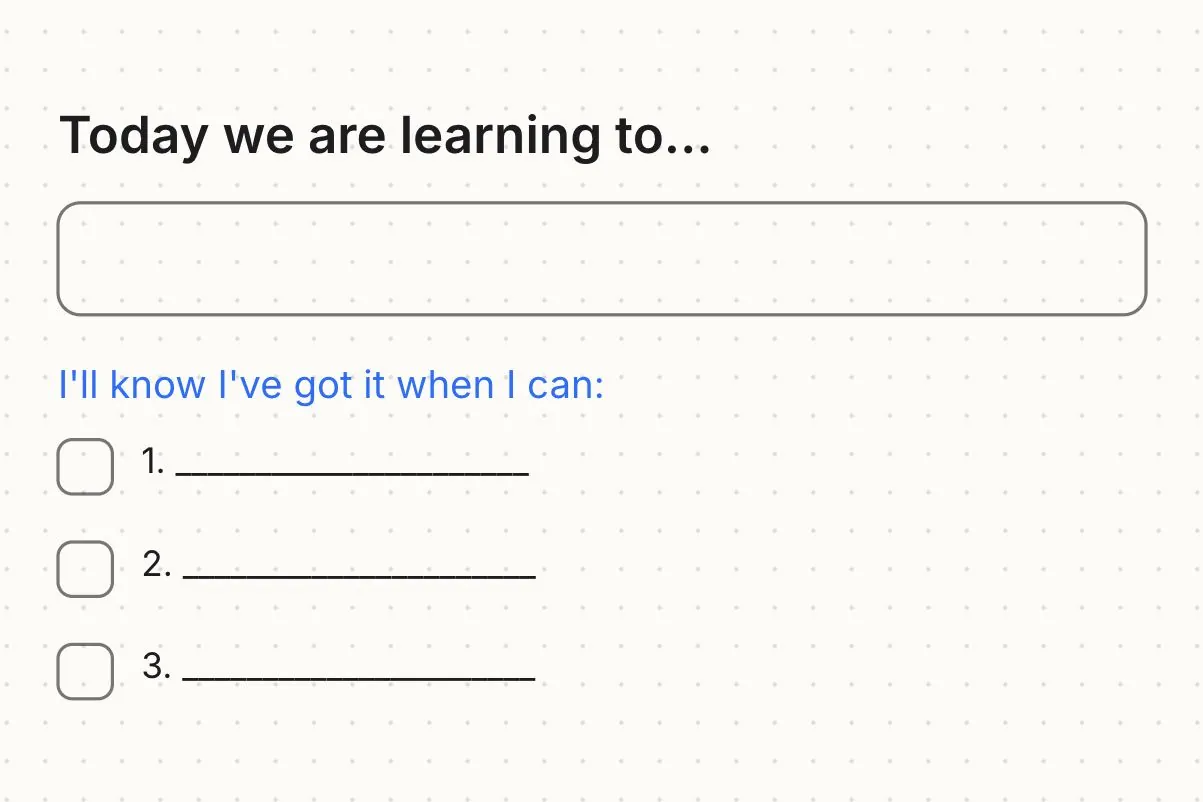
Lesson aims
What we'll learn, and how we'll know
Use this starter
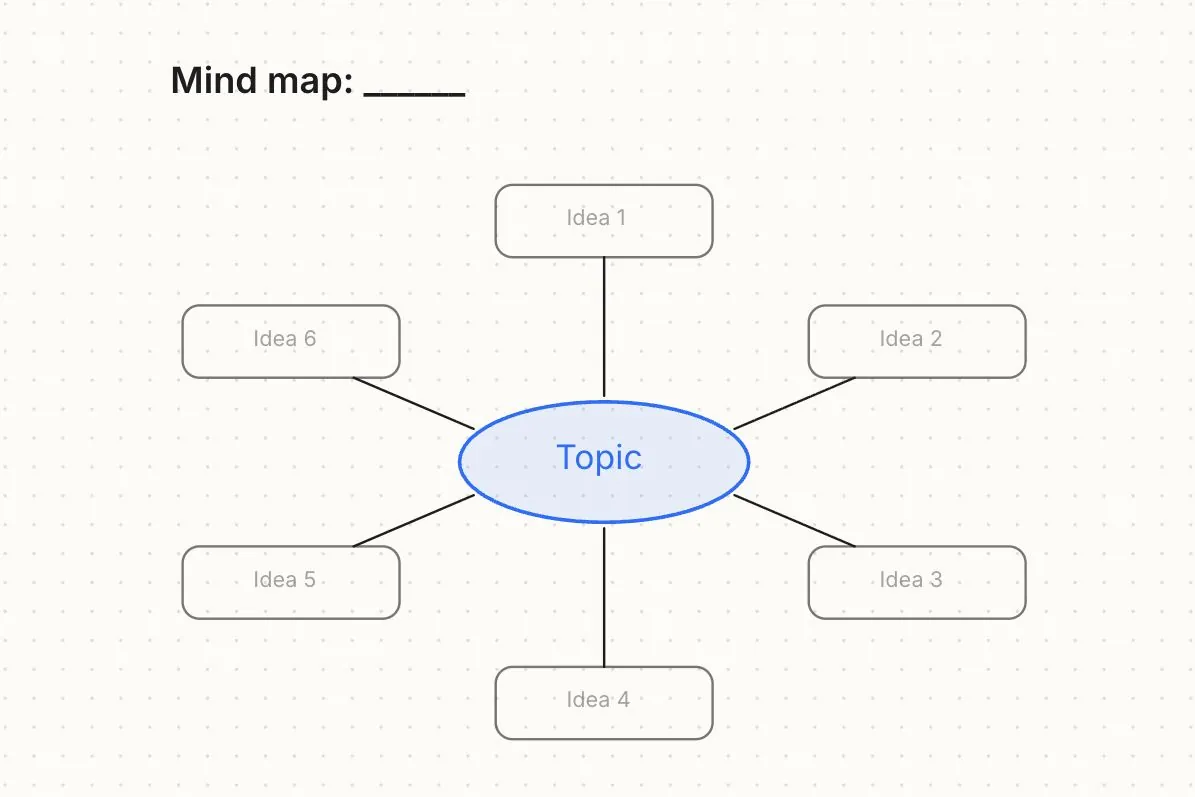
Mind map
A topic in the middle, six ideas around it
Use this starter