Classroomscreen alternative
Looking for a Classroomscreen alternative?
Try one made for teaching.
Lesson Screen puts classroom tools and a whiteboard in one place: a timer, a name picker, groups, a visual schedule and games, on a board your students can join and write on.
Free plan with every feature Students join free, no account
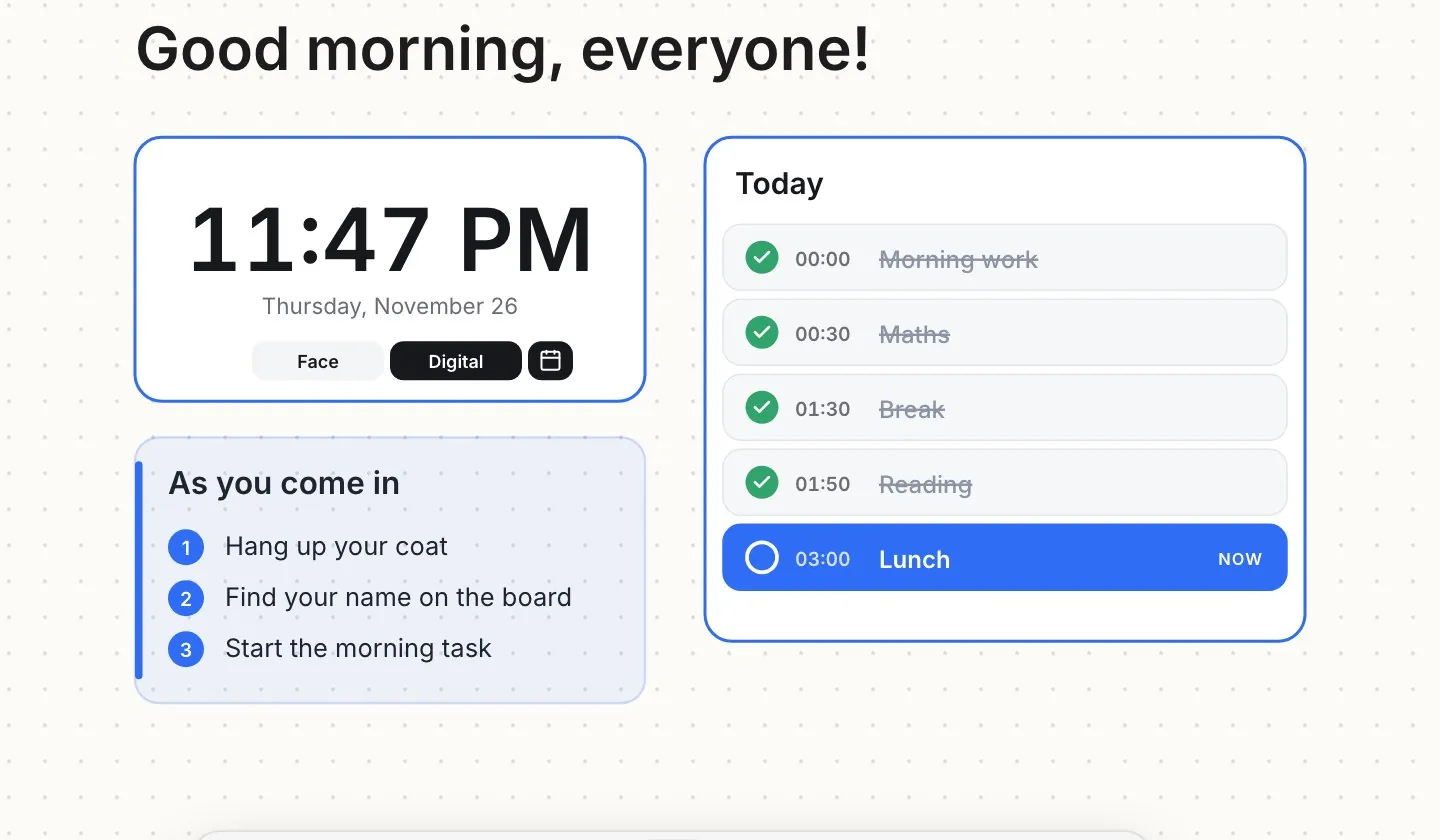
A good fit if you want classroom tools and a whiteboard in one place
Start the day with a greeting, the clock and the plan on screen. Pick a name, set a timer, split the class into groups and play a quick game at the end, all on the same board. Students can join from their own devices to answer, vote and draw, in class or online.
Every classroom tool in a tap
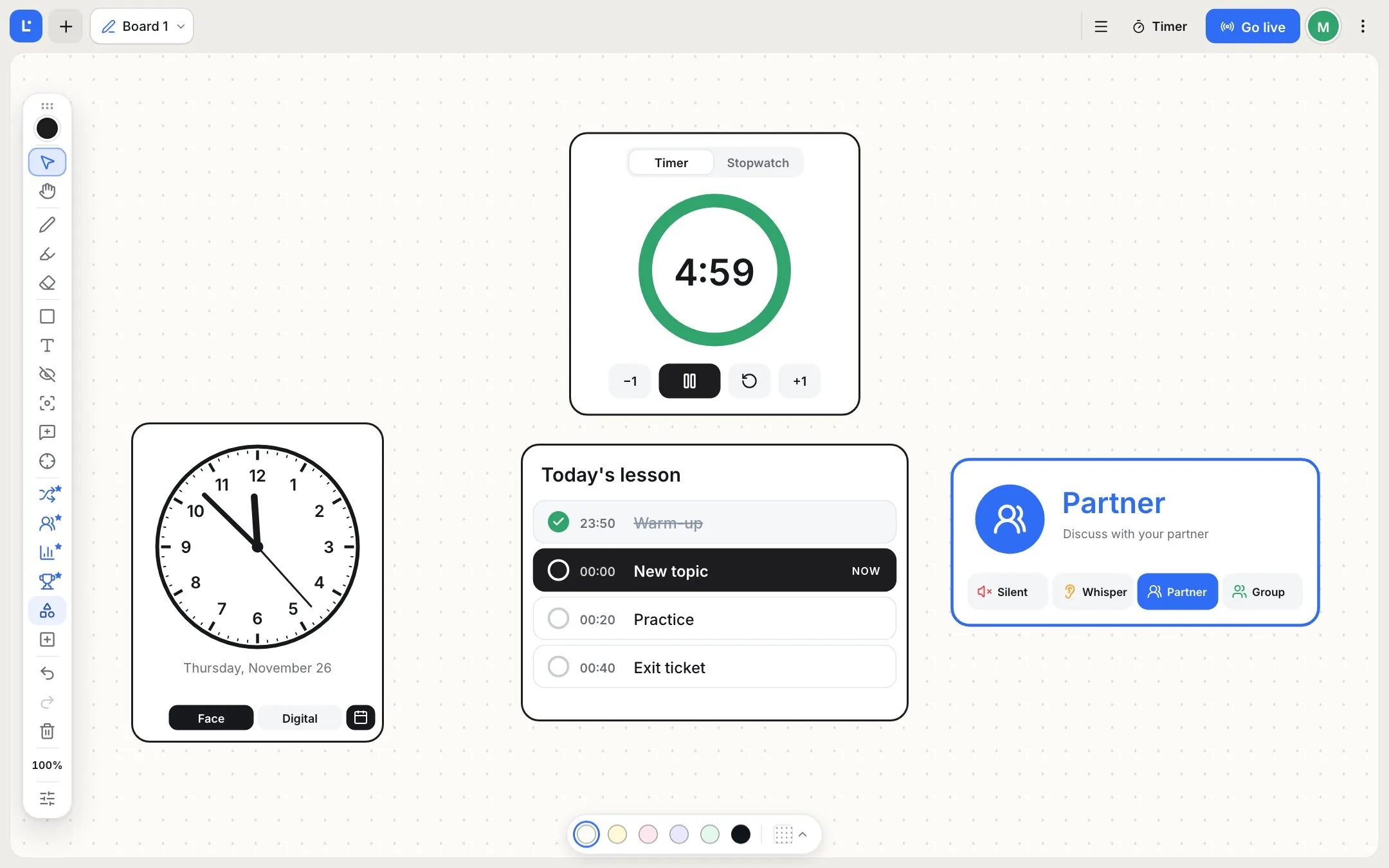
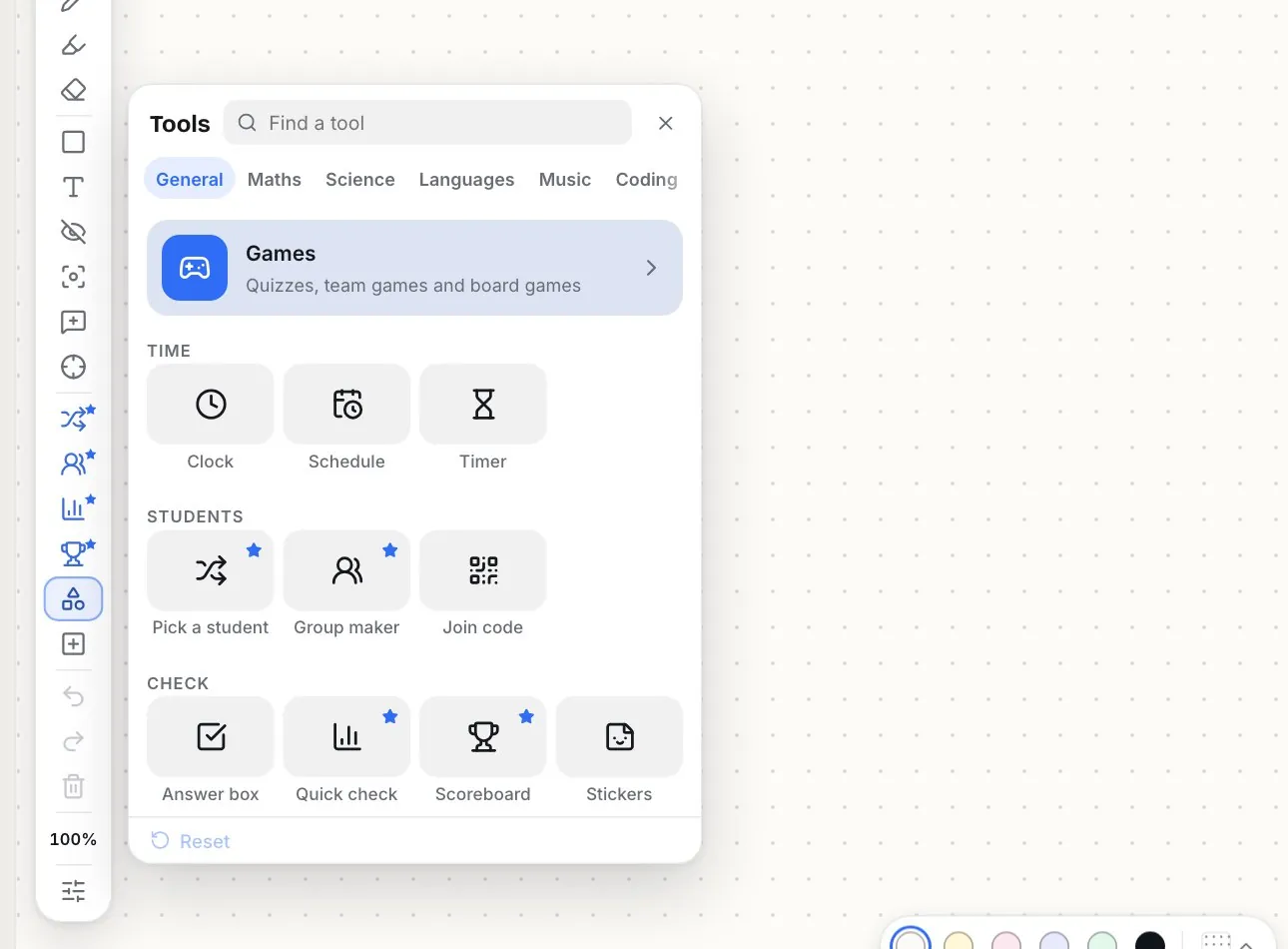
A timer, a stopwatch, a clock, a name picker, a group maker, a noise meter and more, ready on the board in one tap.
- Timer and stopwatch
- Name picker and groups
- A visual schedule
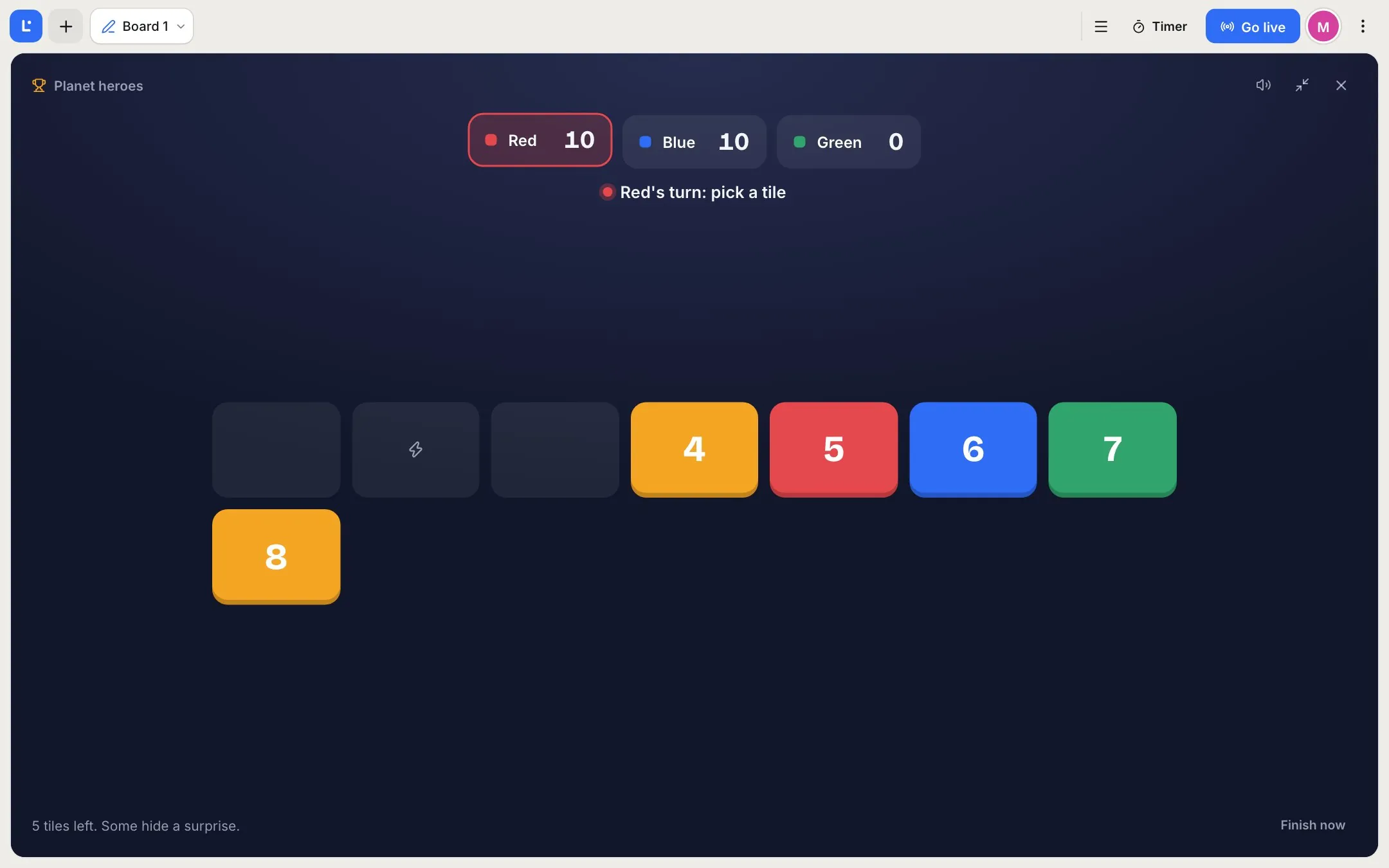
Games for the whole class
Team games, races and tug of war on the board, plus live quizzes on students' phones with a podium at the end.
- Team games and races
- Live quizzes
- Trophies for the winners
Made for younger classes too
Letters to trace, words to hear, routines on screen and simple games, with big buttons that are easy to tap.
- Letter tracing
- Routines and schedules
- Easy for small hands
Students take part from their seats
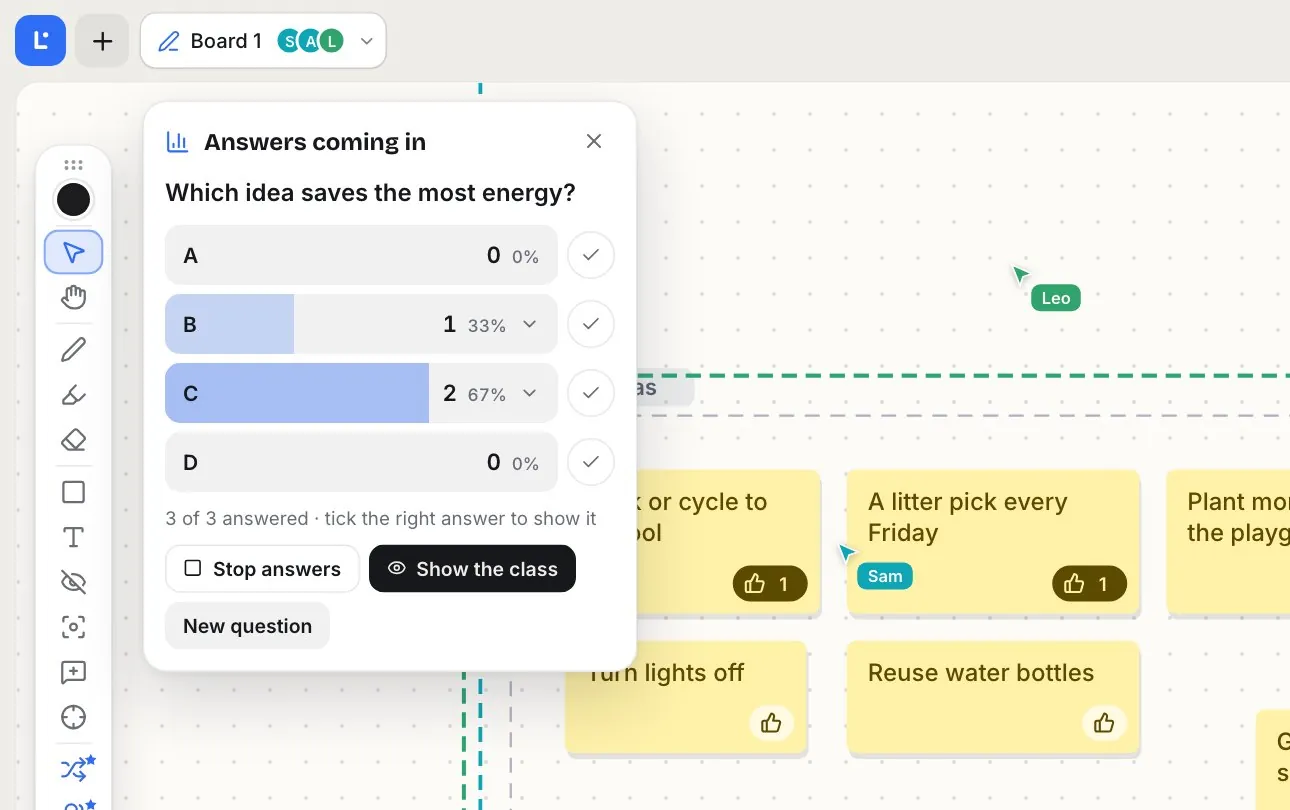
Students join with a code to answer quick checks, vote on sticky notes and draw on their own boards, on the devices the class already has.
- Quick checks and votes
- Every student's own board
- No student accounts
Moving your lessons over
- Open a board. Try it with no sign-up, or start free to save your lessons.
- Bring in what you have. Drop in PDFs, Word files, slides, spreadsheets and pictures, each as one card with its pages, or start from one of 161 lesson starters.
- Invite your students. Share a link, a code or a QR code. They join from any device, with no account.
Free plan: every feature, 5 hours of live lessons a month, up to 5 students. Pro is $12 a month and takes the limits off. And more: 73 teaching tools, breakout rooms, lesson notes and reports and boards you share to work on together.
Questions
Can I use it on the classroom screen?
Yes. Put the board on the classroom screen and use the tools from there. Students can also join from their own devices.
Which classroom tools are included?
A timer, stopwatch, clock, name picker, group maker, visual schedule, trophies and more: 73 tools in all, for every subject.
Do students need an account?
No. They join with a link, a short code or a QR code.
Are there ready-made boards?
Yes. 161 lesson starters, from a morning welcome to exit tickets and planning boards, each with steps for how to run it.
Is it free?
The free plan has every feature. Pro is $12 a month for bigger classes and no limit on live hours.
Made for you
Classroomscreen is a trademark of its owner. Lesson Screen is not affiliated with or endorsed by it.