Shared online whiteboard
One board,
everyone on it.
Send a link and work on the same board at once. Plan with a colleague, brainstorm with your team, study with classmates or sketch an idea with a client. Every change shows for everyone as it happens, with no call to set up.
Free for 3 people editing at once Viewers are never counted
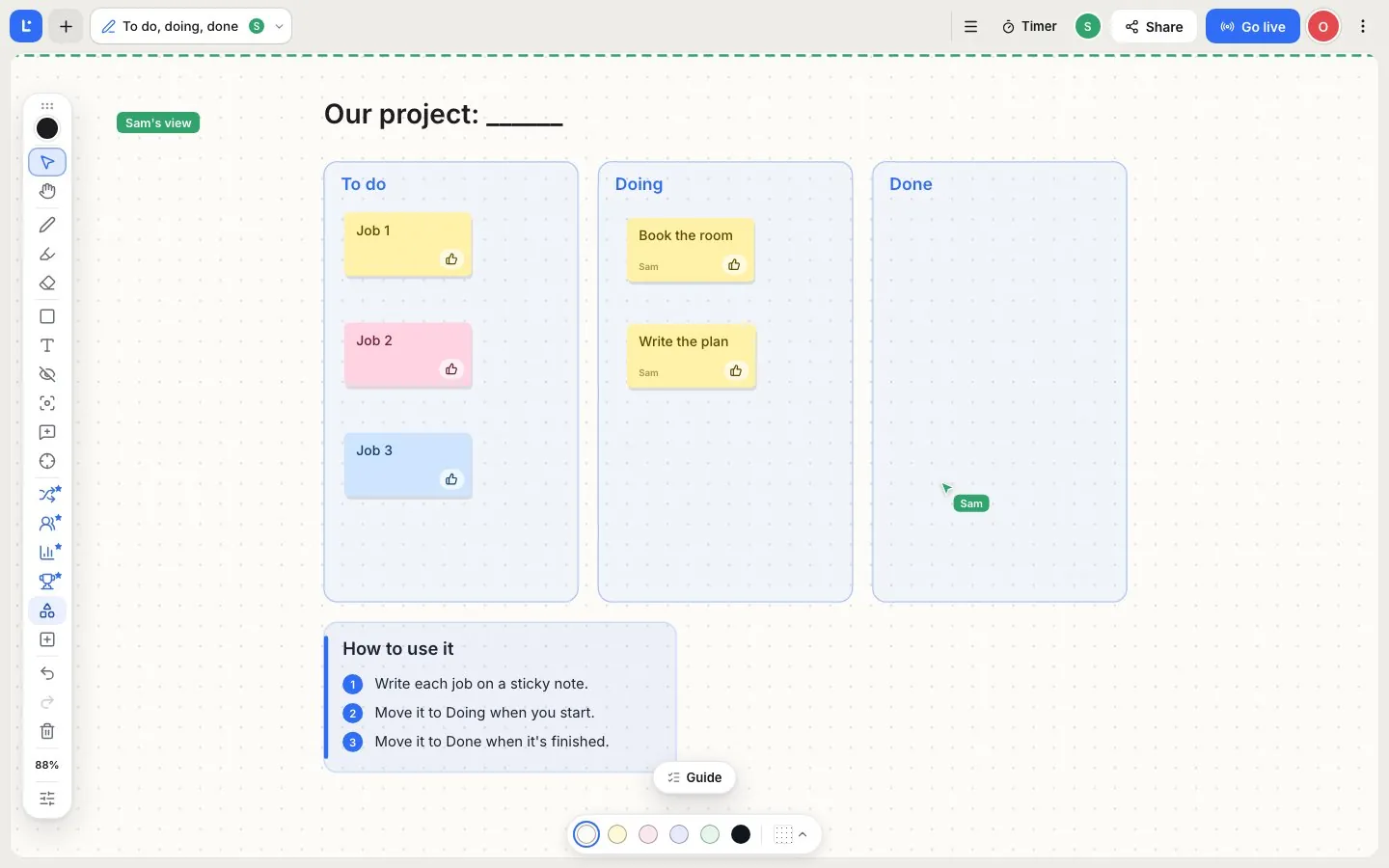
Share it like a document
Copy a link that lets people view or edit, or invite them by email. Change what each person can do, or turn the link off and it stops working straight away.
- Anyone with the link: view or edit
- Invites by email
- Turn it off any time
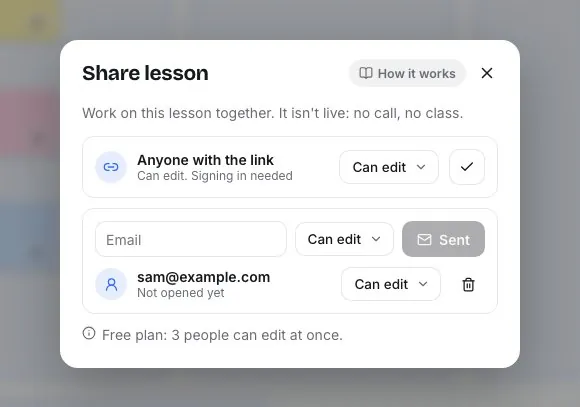
See who's working on what
Everyone sees each change as it's made, with each person's pointer and name on the board and their face at the top. Notes show who wrote them.
- Live pointers with names
- Notes signed by who wrote them
- Undo takes back only your own work
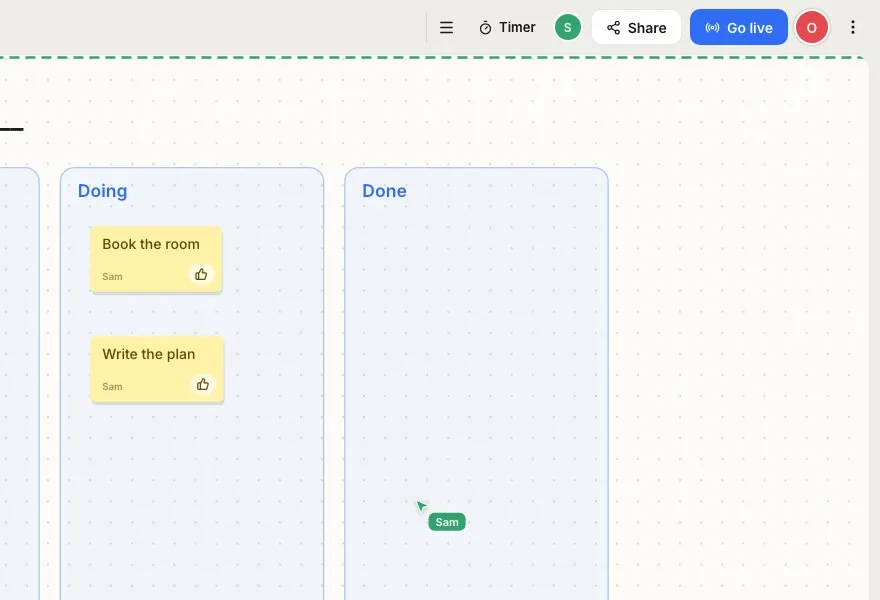
Brainstorm, vote and sort
Add sticky notes, vote on the best ideas and sort them by votes in one tap. Start from a ready board like To do, doing, done or Strengths and risks.
- Sticky notes with votes
- Sort by votes
- 161 ready-made boards
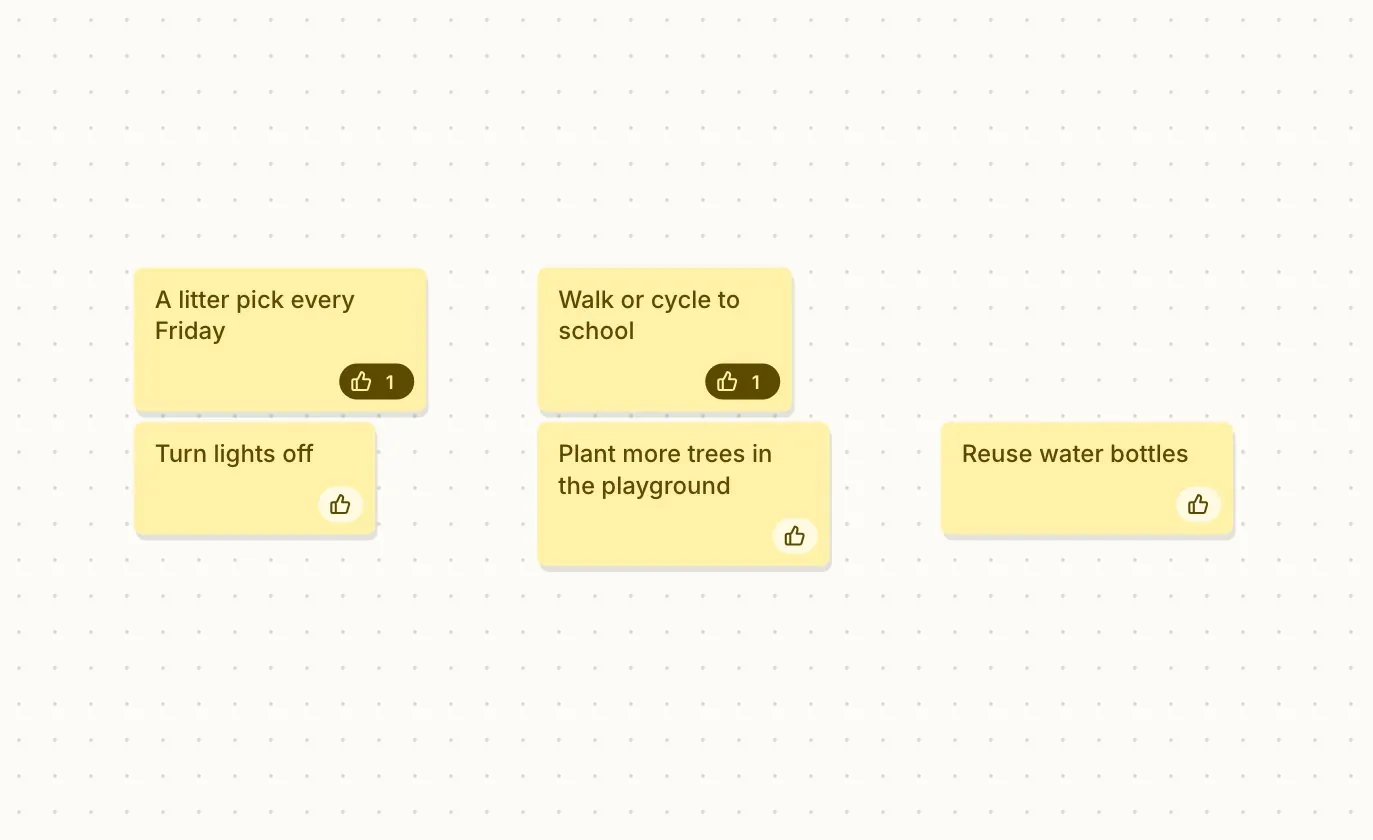
Bring in what you're working on
Drop in a PDF, Word file, slides, a spreadsheet or photos and mark them up together. Add a video or a website right on the board.
- PDF, Word, slides and Excel
- Photos and videos
- Websites on the board
Questions
Is it free?
Yes. On the free plan, 3 people can edit a shared board at once. On Pro, editors are unlimited, and viewers are never counted.
Do people need an account?
People who edit sign in with their email, with no password. People who only view just open the link.
Is it only for teaching?
No. Anyone can use it: teams planning a project, study groups, a designer sketching with a client, or two colleagues getting ready for a meeting.
Where do I find a board shared with me?
Under Shared with me on Your lessons, on any device you sign in on. Press the cross to take it off your list.
Can I stop sharing?
Yes. Turn the link off and it stops working straight away, or remove one person from the list.
Do we need a video call?
No. Sharing a board has no call. If you want to talk and see each other too, go live and video is built in.