Zoom Whiteboard alternative
Looking for a Zoom Whiteboard alternative?
Try one made for teaching.
Lesson Screen puts video and a teaching whiteboard in one window, so the lesson happens on the board instead of around a shared screen.
Free plan with every feature Students join free, no account
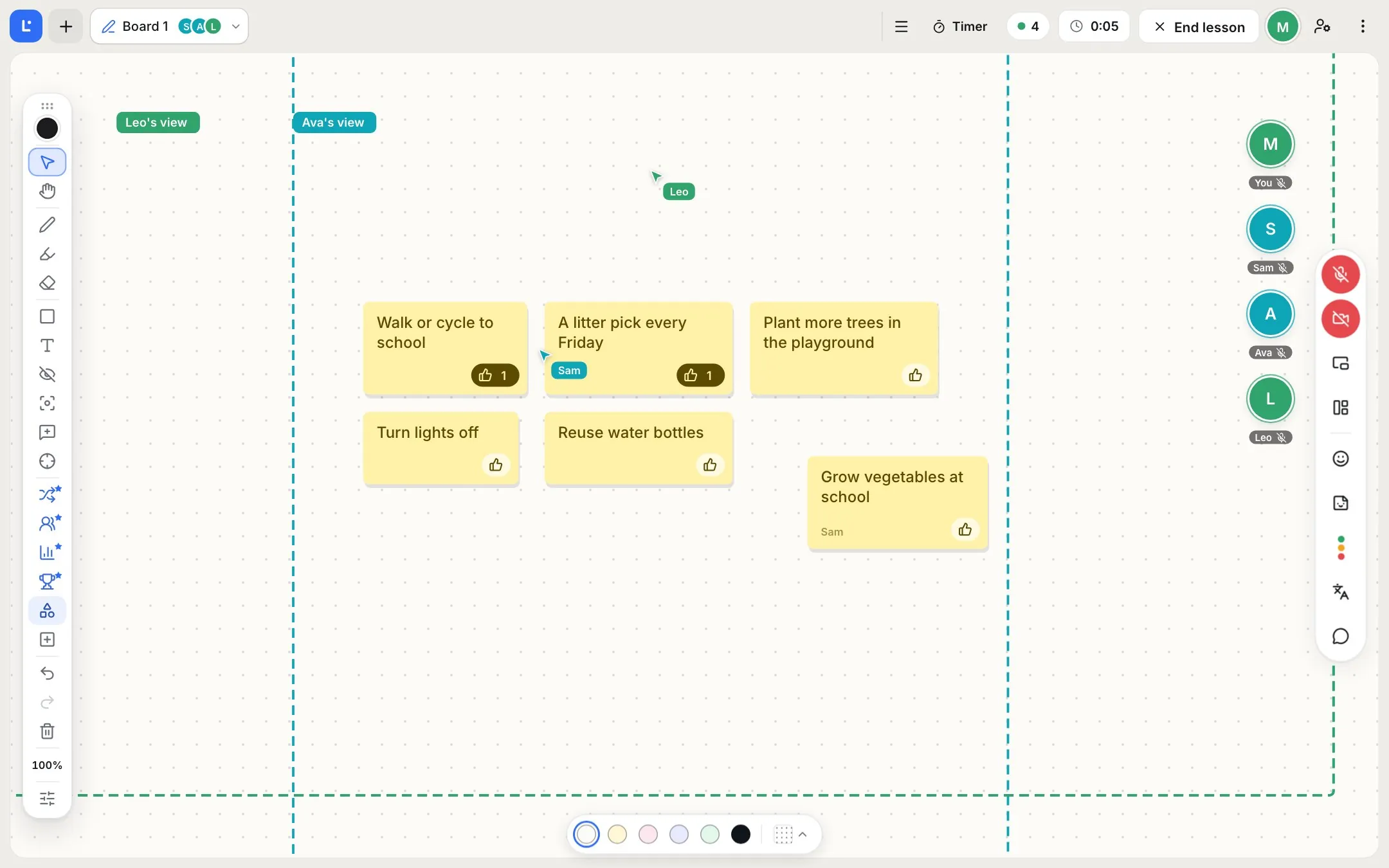
A good fit if you want video and a teaching whiteboard in one window
Students see your face and the board side by side, and they can write back on it. Hands go up in order, quizzes open on their phones, and groups split into breakout rooms with a timer, all without leaving the lesson. There's no meeting to schedule: your class link is the same every week.
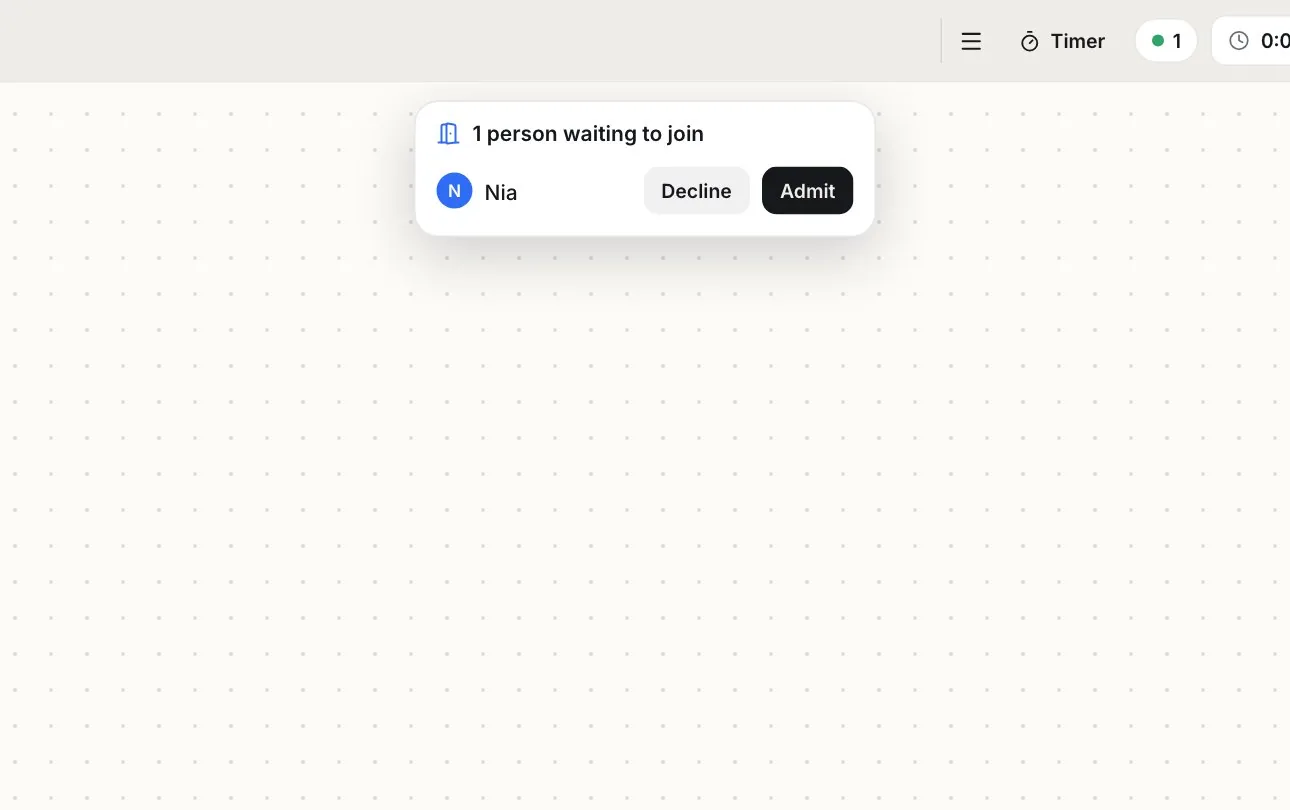
A classroom, not a meeting
A waiting room, a password if you want one, and class settings for who can talk, draw, share or chat. Let students in one by one, or all at once.
- Waiting room and passwords
- Permissions for each student
- Admit or decline each student
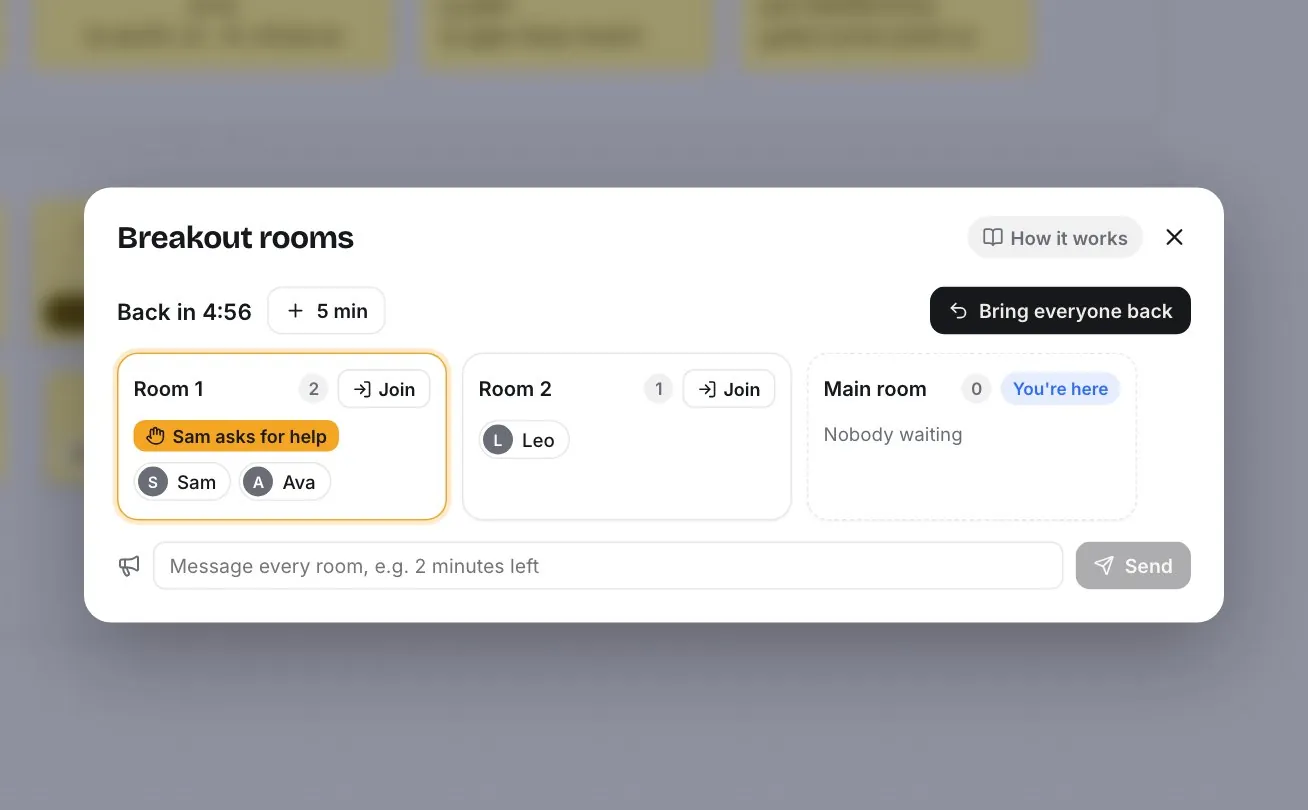
Breakout rooms in two taps
Split the class into rooms, drop in on any of them, message every room at once, and bring everyone back when the timer ends.
- Random or chosen groups
- Students can ask for help
- Everyone back in one tap
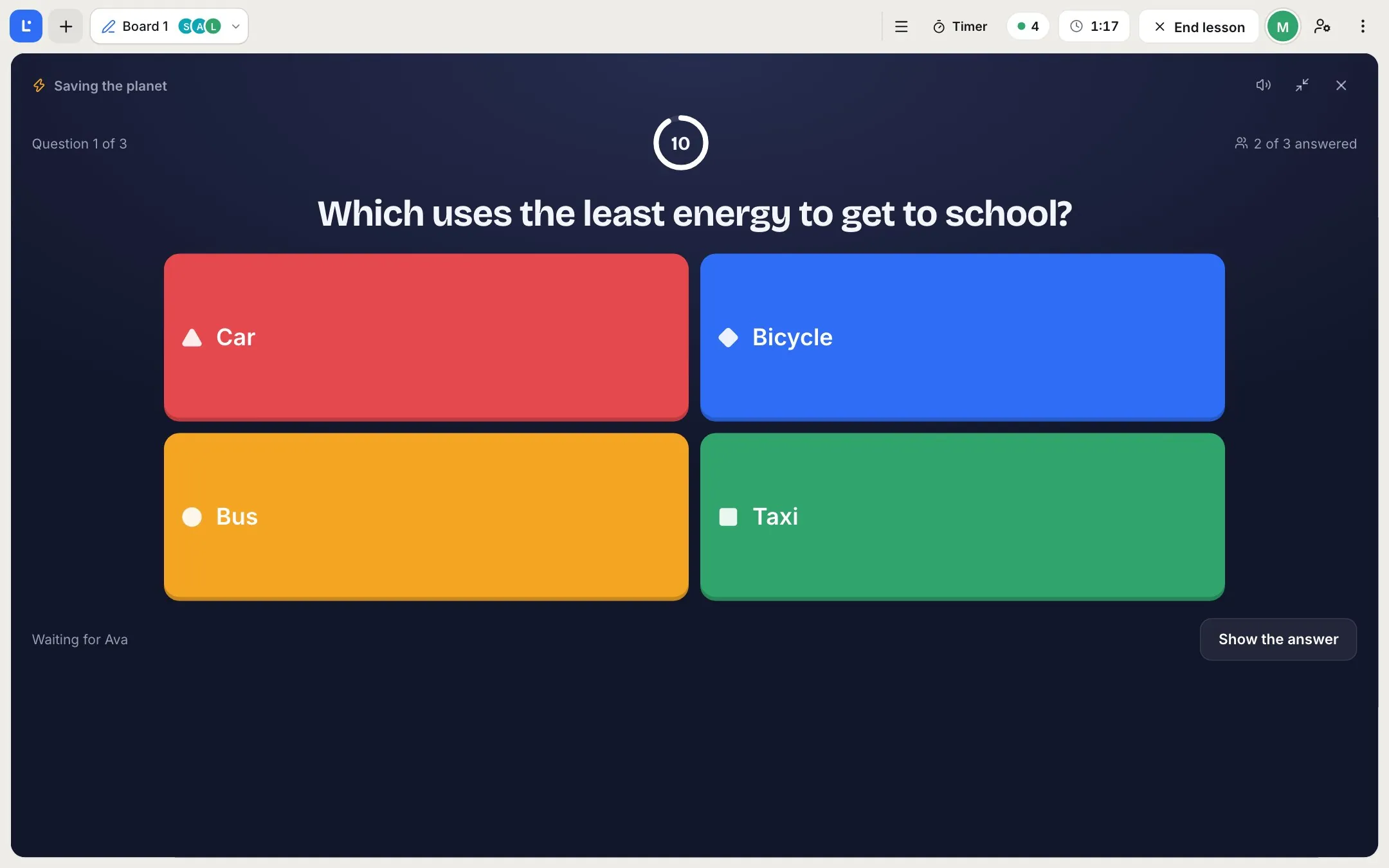
Quizzes and games inside the lesson
Turn the lesson into a live quiz on students' phones, with a podium at the end, or play a team game on the board.
- Live quizzes with a podium
- Team games and class games
- Make a quiz from the board with AI
Tools for every subject
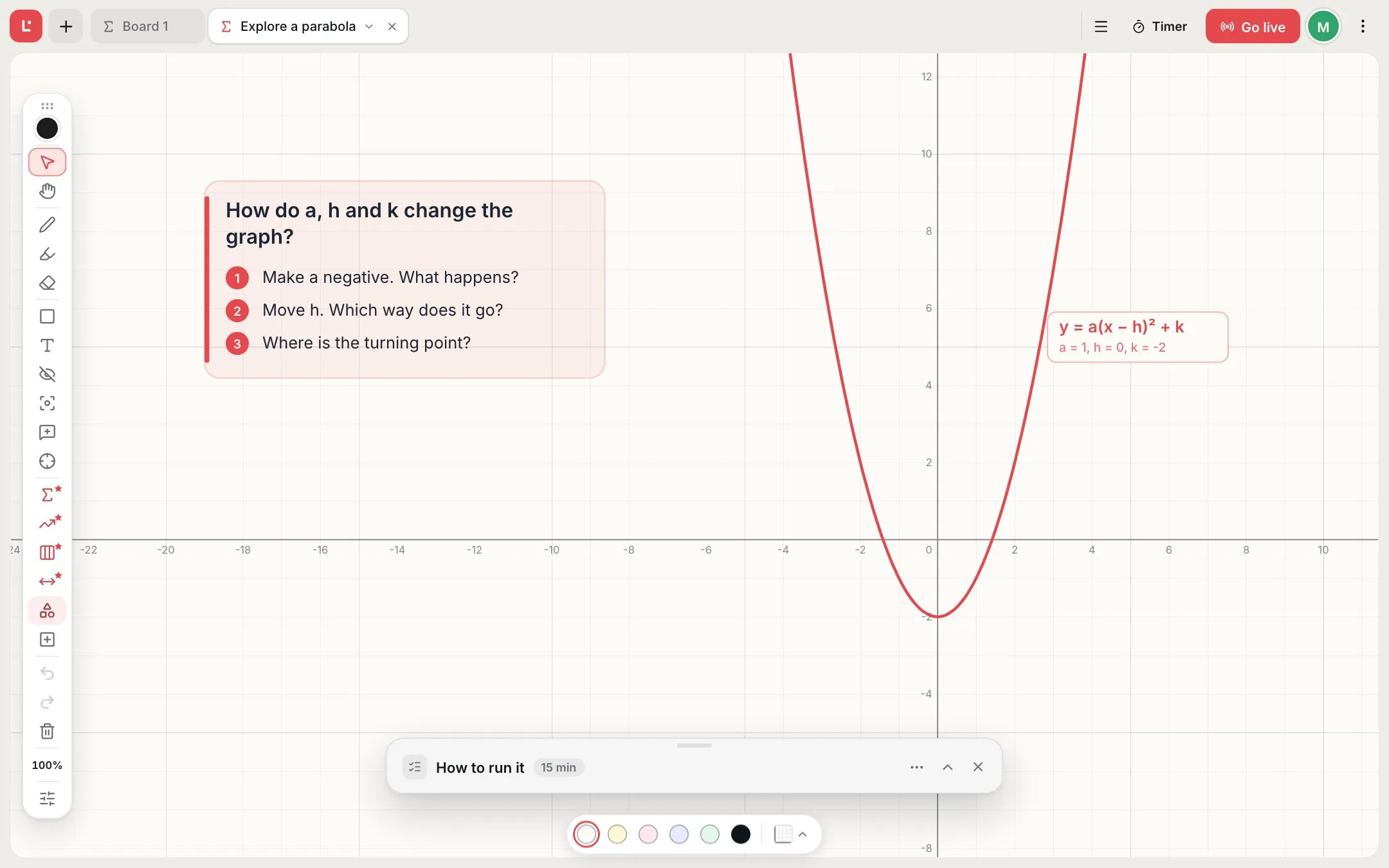
Graphs with sliders, equations, a periodic table, a piano and code that runs: 73 tools, each a tap away.
- Maths, science, languages, music, coding
- Lesson starters for each subject
- Works with a tablet and pencil
Moving your lessons over
- Open a board. Try it with no sign-up, or start free to save your lessons.
- Bring in what you have. Drop in PDFs, Word files, slides, spreadsheets and pictures, each as one card with its pages, or start from one of 161 lesson starters.
- Invite your students. Share a link, a code or a QR code. They join from any device, with no account.
Free plan: every feature, 5 hours of live lessons a month, up to 5 students. Pro is $12 a month and takes the limits off. And more: 73 teaching tools, breakout rooms, lesson notes and reports and boards you share to work on together.
Questions
Do I still need a separate video call?
No. Video, sound, screen sharing and chat are built into the lesson, next to the board.
Can students write on the board?
Yes. They draw and answer on the shared board or on their own copy, and you choose who can draw.
How long can a lesson be?
As long as you need. The free plan includes 5 hours of live lessons a month, and Pro has no limit.
Can students share their screens?
Yes, and you can see several shared screens side by side.
What happens after the lesson?
Students get lesson notes with a short summary and the boards. You get a report of who came, for how long, and every answer.
Made for you
Zoom Whiteboard is a trademark of its owner. Lesson Screen is not affiliated with or endorsed by it.