Microsoft Whiteboard alternative
Looking for a Microsoft Whiteboard alternative?
Try one made for teaching.
Lesson Screen is a classroom whiteboard that students join with a code: write with a pen or your iPad, bring in your worksheets, and let every student answer on the board.
Free plan with every feature Students join free, no account
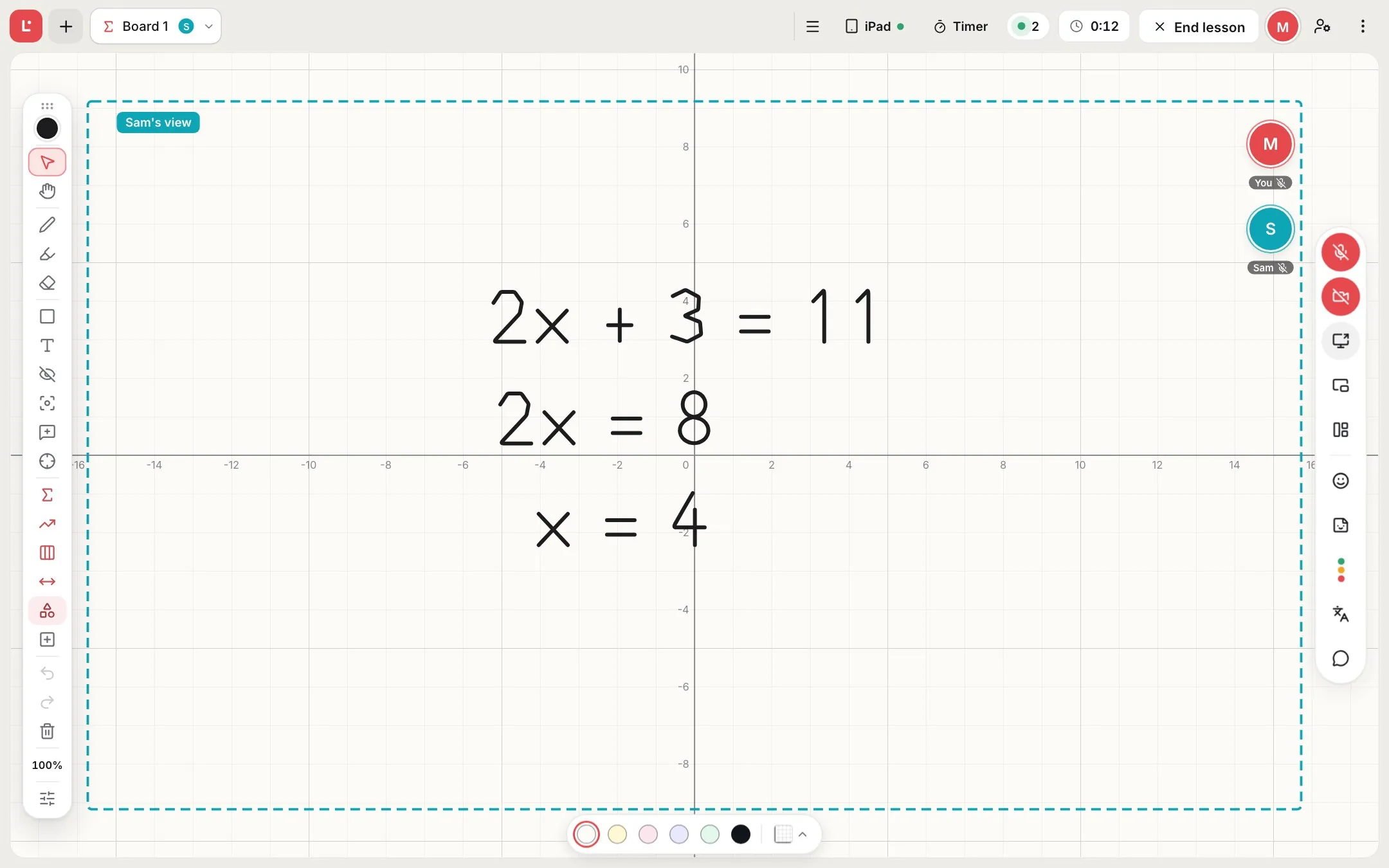
A good fit if you want a classroom whiteboard students join with a code
Lesson Screen runs in the browser, so there's nothing to install for you or your students. Write by hand with a tablet and pencil, drop in the PDFs and slides you already use, and put a question on the board for everyone to answer. Students join from any device with a short code, and you choose who can draw.
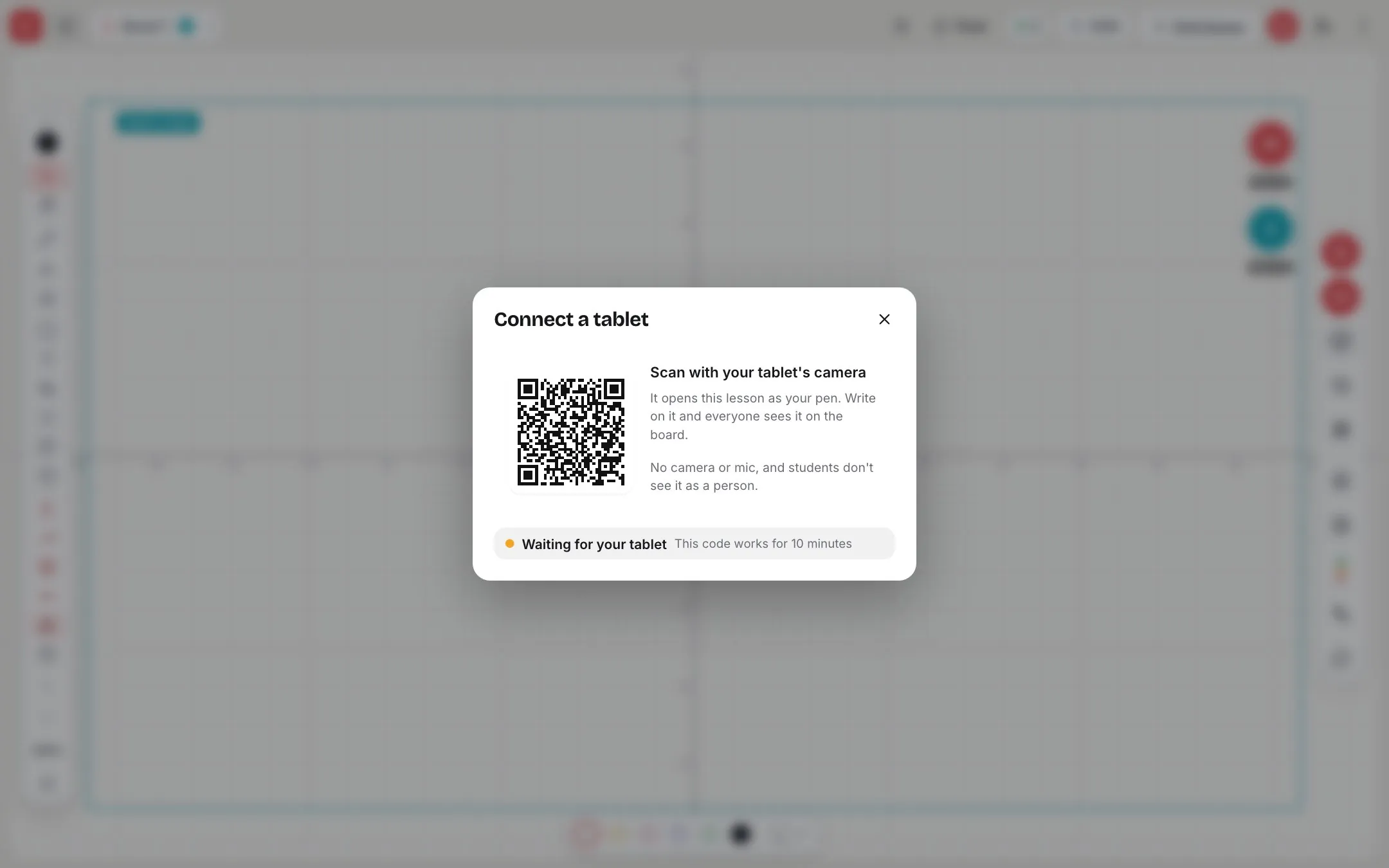
Your iPad is your pen
Teach from your computer and write on your iPad. Scan one code and your tablet becomes your pen in every lesson, with pencil pressure and palm rest.
- Scan a code once
- Joins every lesson by itself
- Pencil draws, a finger moves
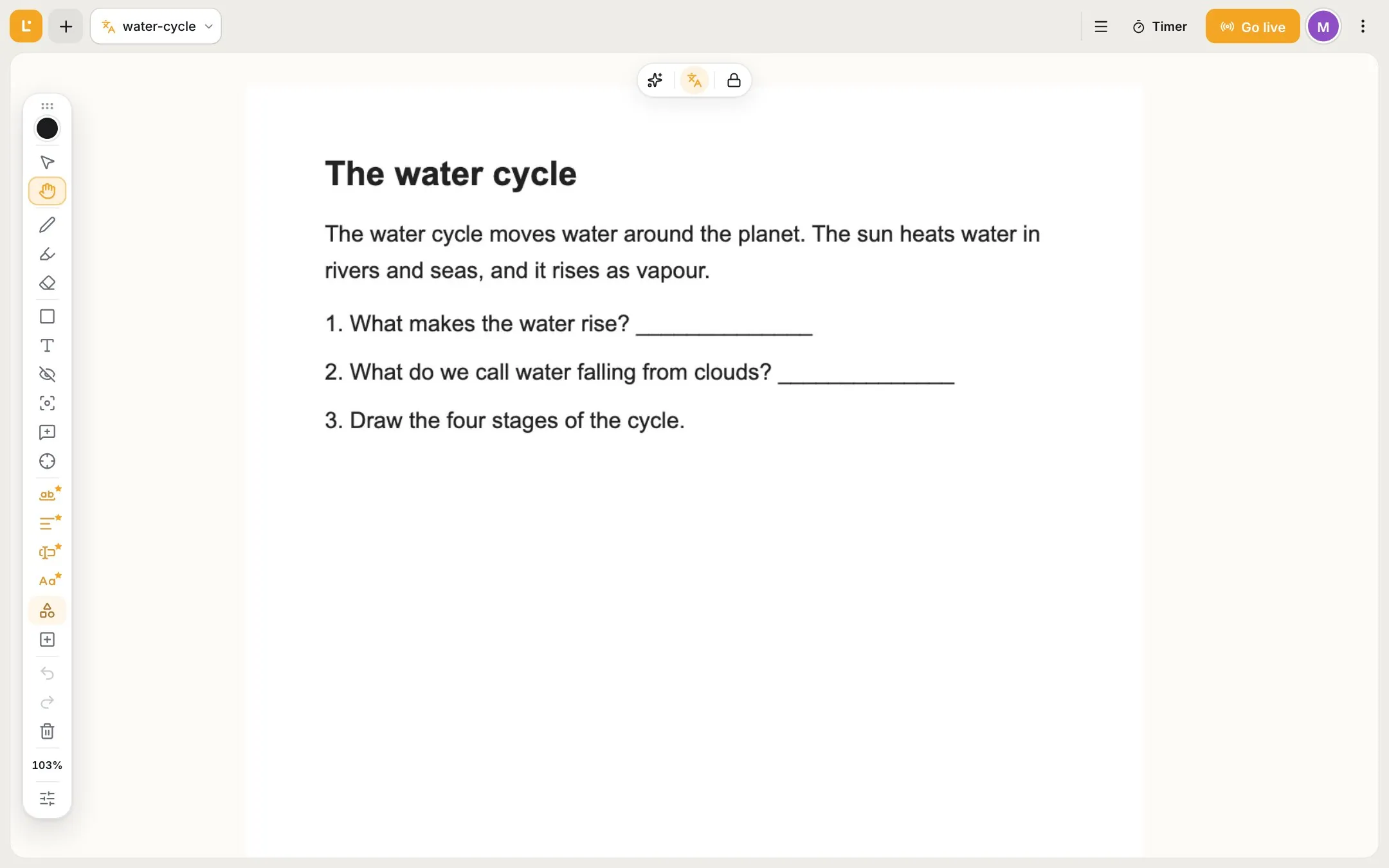
Teach from your own worksheets
Drop in a PDF, Word file, slides or a spreadsheet. It comes in as one card with its pages, ready to write on together.
- PDF, Word, slides and Excel
- Cover an answer and reveal it
- Ask AI to make a quiz from a page
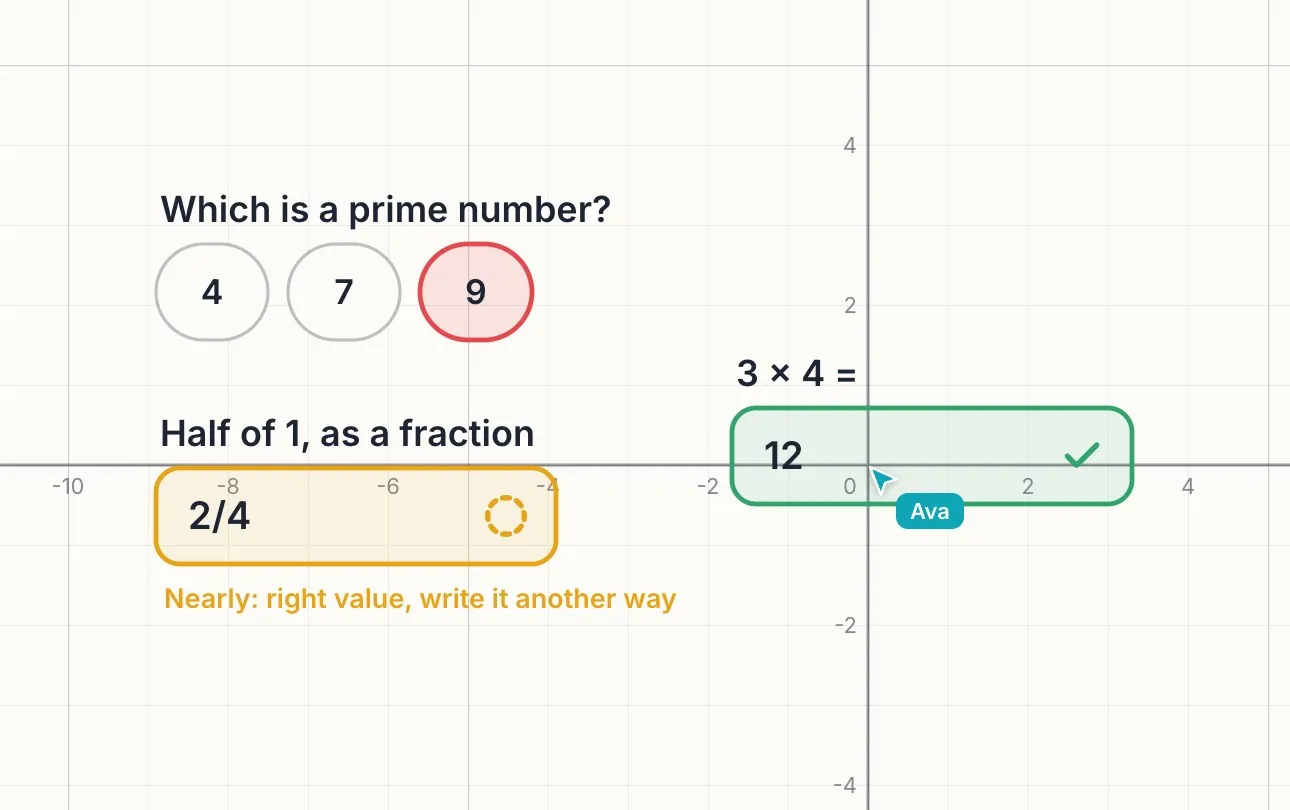
Questions students answer on the board
Put answer boxes on the board: multiple choice, a number or a word. Students answer in place, and you see who got it right.
- Choices, numbers and words
- Marked as they answer
- Hints when they're close
See the whole class
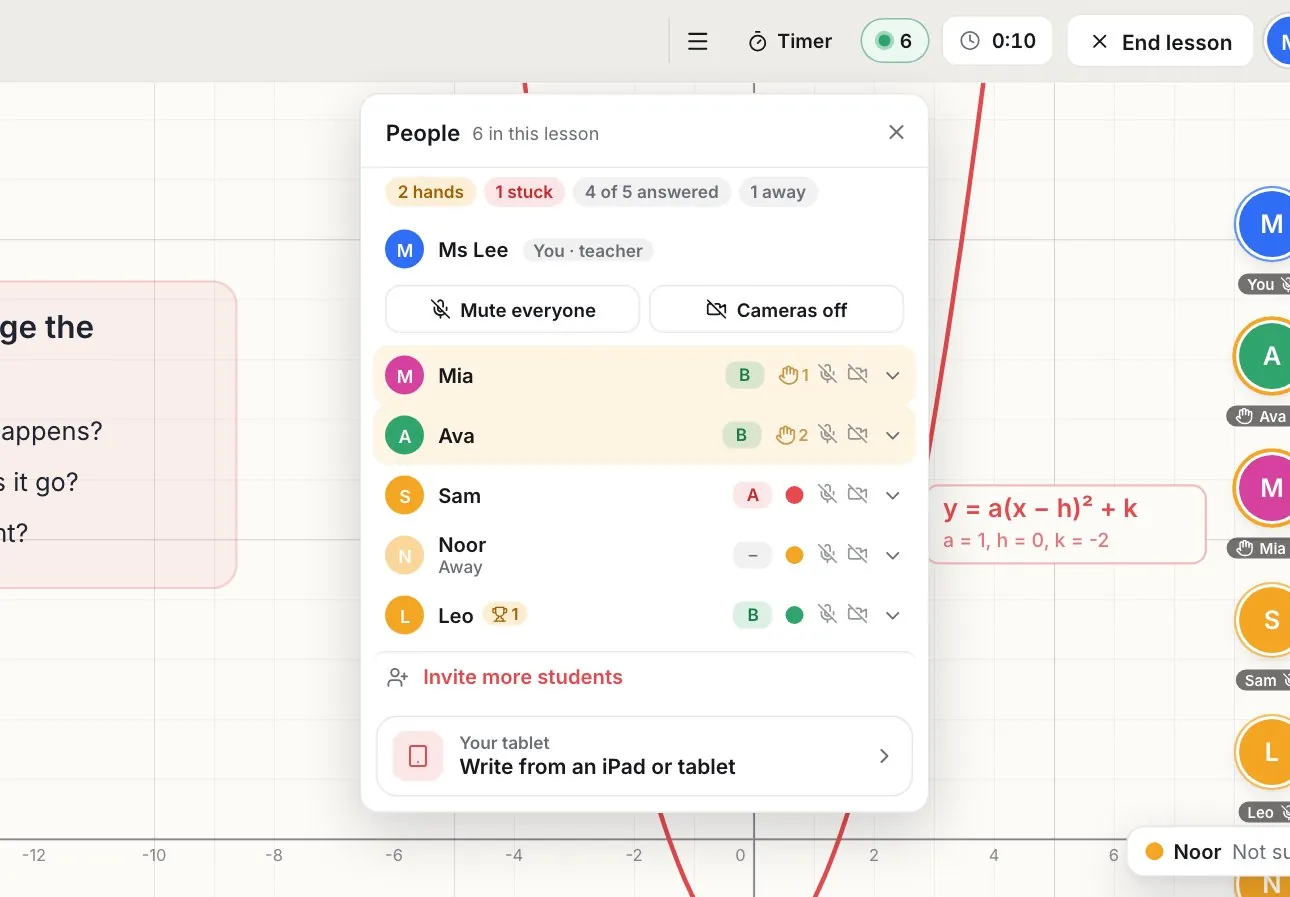
Raised hands in order, who has answered, who is stuck and who is away, in one list. Choose who can draw, talk or share.
- Hands up in order
- Who's stuck
- Permissions for each student
Moving your lessons over
- Open a board. Try it with no sign-up, or start free to save your lessons.
- Bring in what you have. Drop in PDFs, Word files, slides, spreadsheets and pictures, each as one card with its pages, or start from one of 161 lesson starters.
- Invite your students. Share a link, a code or a QR code. They join from any device, with no account.
Free plan: every feature, 5 hours of live lessons a month, up to 5 students. Pro is $12 a month and takes the limits off. And more: 73 teaching tools, breakout rooms, lesson notes and reports and boards you share to work on together.
Questions
Do I need to install anything?
No. Lesson Screen runs in the browser on computers, tablets and phones. Students don't install anything either.
How do students join?
With a link, a short code or a QR code. They don't need an account.
Can I write by hand?
Yes. Use a tablet and pencil on the board itself, or pair your iPad as a pen while you teach from your computer.
Can I use the files I already have?
Yes. PDFs, Word files, slides, spreadsheets and photos come in as cards with pages you can write on.
Is there a plan for a whole school?
Yes. The white label plan runs Lesson Screen under your school's own name and logo, after a 7-day free trial.
Made for you
Microsoft Whiteboard is a trademark of its owner. Lesson Screen is not affiliated with or endorsed by it.