BitPaper alternative
Looking for a BitPaper alternative?
Try one made for teaching.
Lesson Screen is an online whiteboard for one-to-one tutoring: each student has one link that works every week, their board is saved, and video and worksheets sit in the same window.
Free plan with every feature Students join free, no account
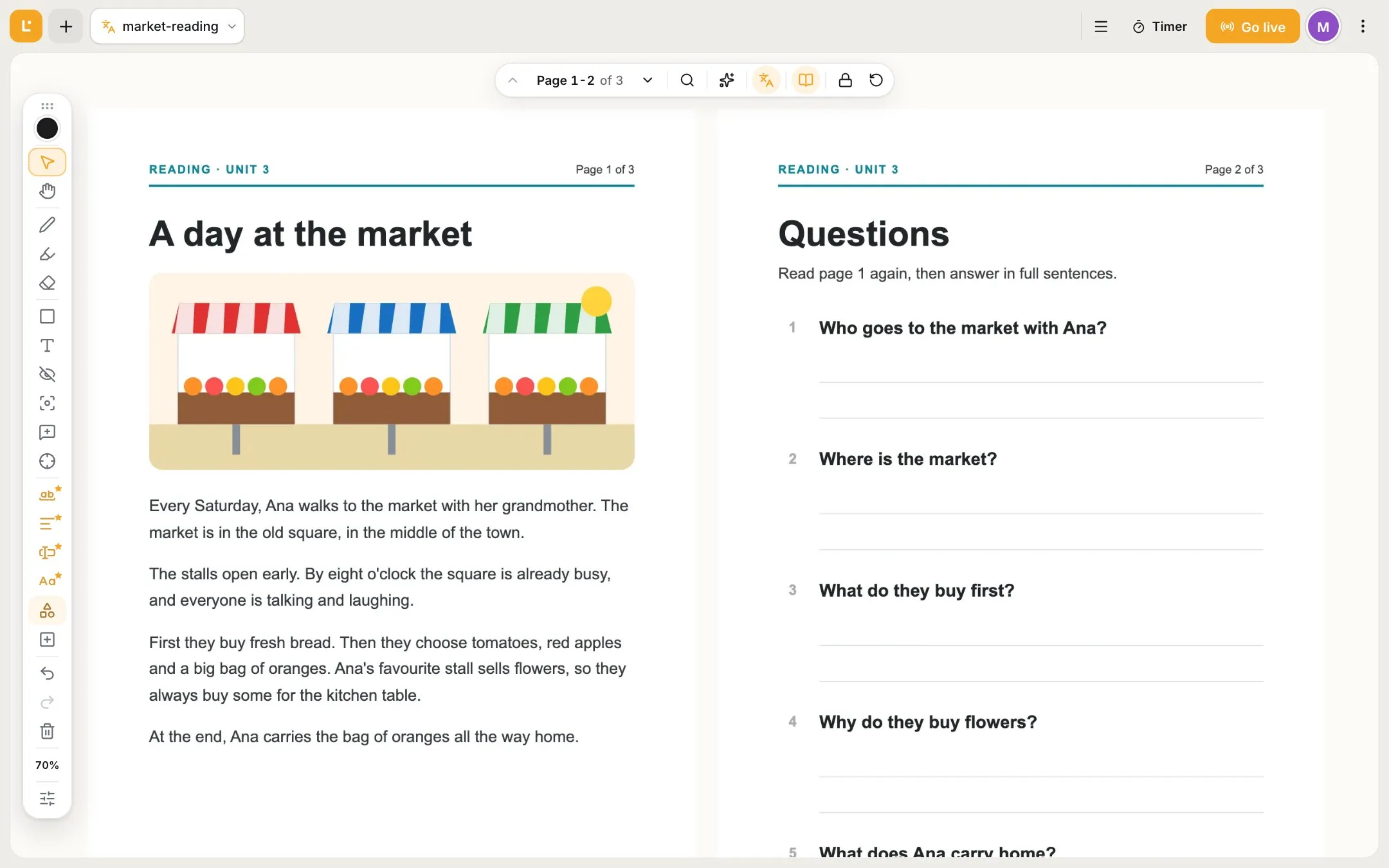
A good fit if you want a whiteboard for one-to-one lessons
Tutoring works best when each lesson picks up where the last one ended. With Lesson Screen, each student's board is still there next week, with their work on it. Write by hand with your tablet, mark up the worksheet you already use, and send home a short summary when the lesson ends.
Write like you're on paper
Write by hand with a tablet and pencil. With a pencil, it draws and your fingers move the board, so your hand can rest on the glass.
- Pencil pressure
- Palm rest
- Graph paper and lined paper
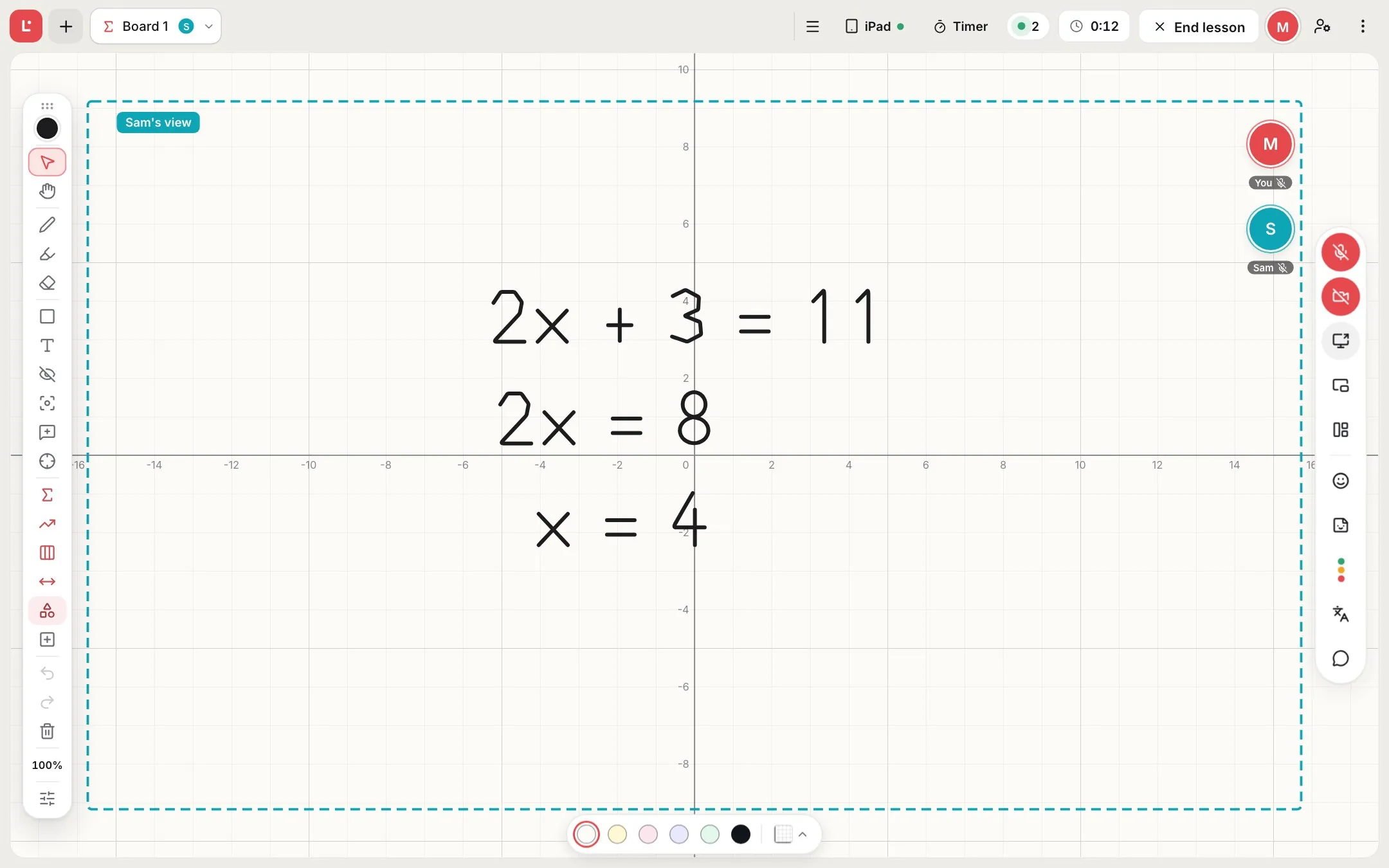
Your week at a glance
See each student's next lesson, open it in one tap, and start from last week's board. Every student keeps the same link.
- One link per student
- Next lesson on the calendar
- Duplicate a prepared lesson
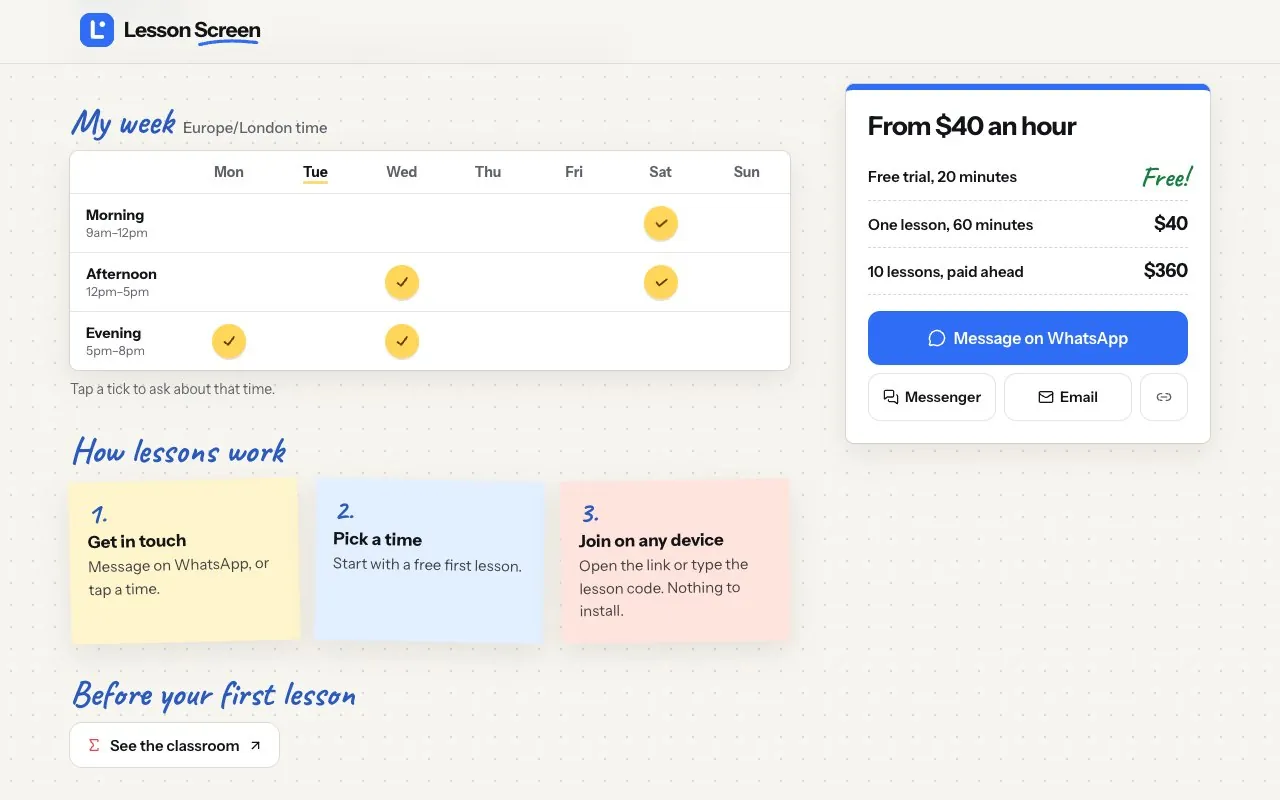
A summary to send home
When the lesson ends, a short summary is written for you: what you covered, the key points and what to practise. Check it, then send it.
- Written as the lesson ends
- Edit before students read it
- The boards and a PDF included
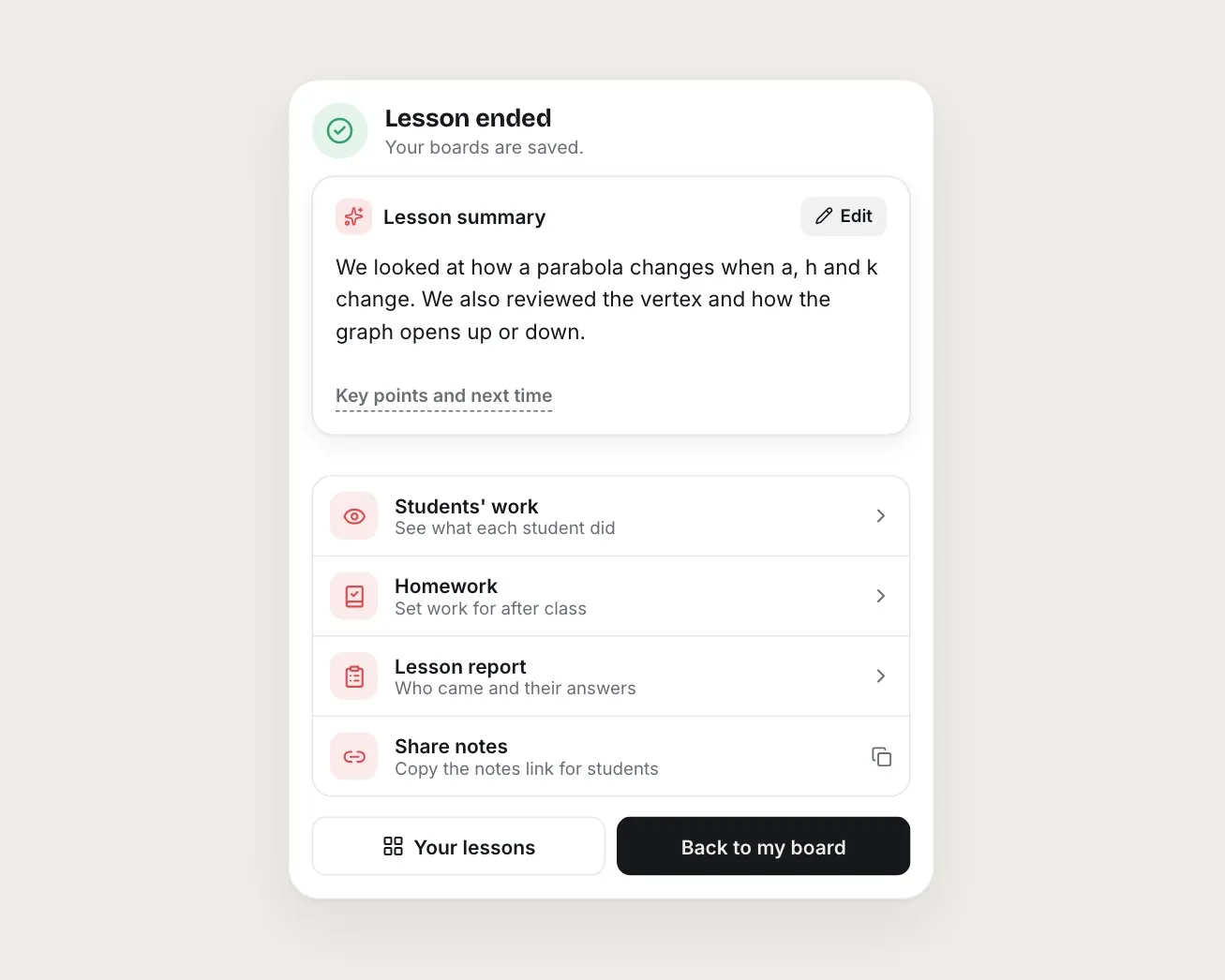
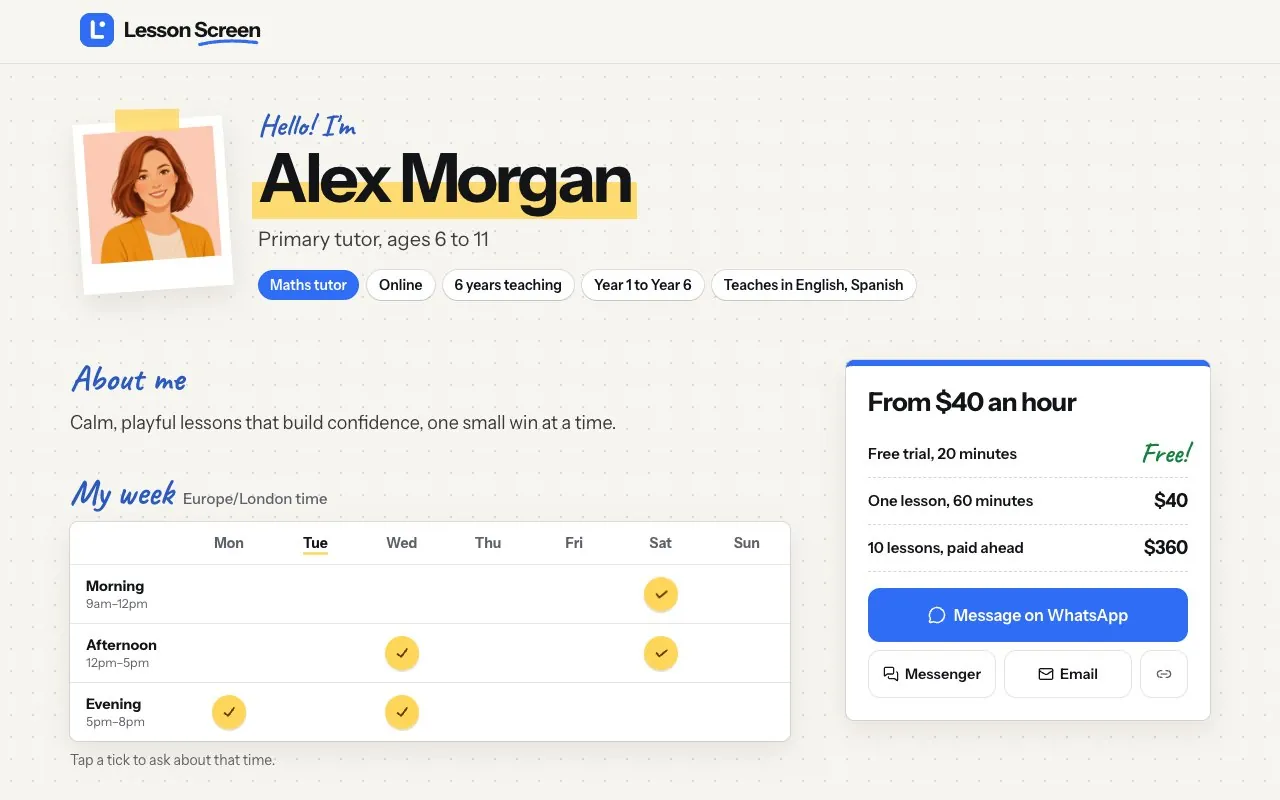
Your own tutor page
A page with your subjects, prices and the times you teach, and a QR code families can scan to message you.
- Lessons, prices and free trials
- Free times on your page
- WhatsApp, Messenger or email
Moving your lessons over
- Open a board. Try it with no sign-up, or start free to save your lessons.
- Bring in what you have. Drop in PDFs, Word files, slides, spreadsheets and pictures, each as one card with its pages, or start from one of 161 lesson starters.
- Invite your students. Share a link, a code or a QR code. They join from any device, with no account.
Free plan: every feature, 5 hours of live lessons a month, up to 5 students. Pro is $12 a month and takes the limits off. And more: 73 teaching tools, breakout rooms, lesson notes and reports and boards you share to work on together.
Questions
Does each student keep their own board?
Yes. Give each student their own class link. Their lesson is saved, so next week starts where you left off.
Do students need to sign up?
No. They open your link on a computer, tablet or phone, with nothing to install.
Can I use my tablet as a pen?
Yes. Write on the board directly on a tablet, or pair your iPad as a pen while you teach from your computer.
Is video included?
Yes. Video, sound, screen sharing and chat are part of the lesson, in the same window as the board.
Is it free for tutors?
The free plan has every feature, 5 hours of live lessons a month and up to 5 students. Pro is $12 a month for unlimited lessons.
Made for you
BitPaper is a trademark of its owner. Lesson Screen is not affiliated with or endorsed by it.