Free online whiteboard
A free online whiteboard
for teaching.
Open it and start drawing, no sign-up. When you're ready to teach live, students join free with a code. The free plan includes every feature.
Free plan with every feature Students join free, no account
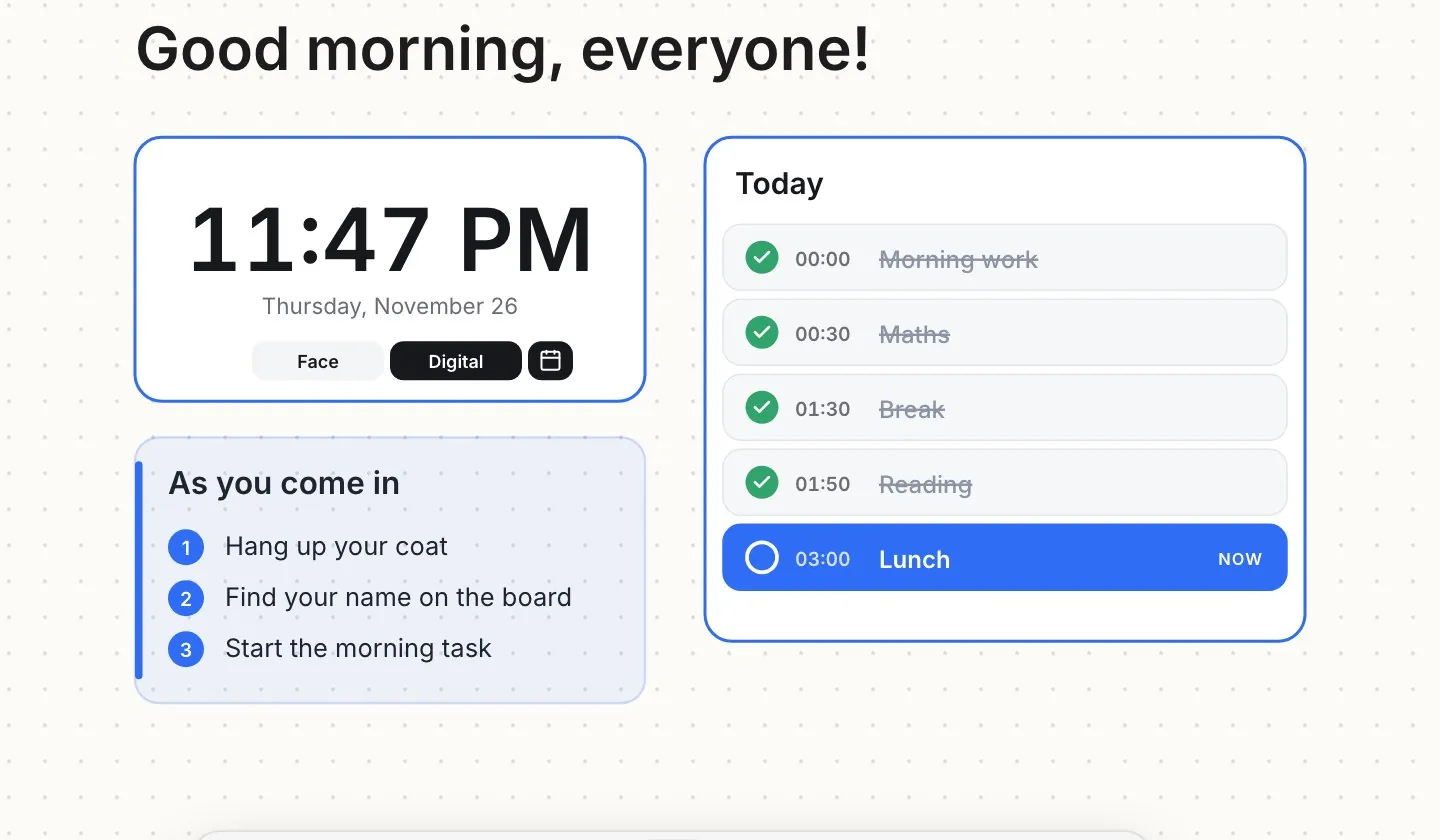
Free means every feature
Plenty of free boards give you a pen and hold back everything else. Here, the free plan includes every tool, every lesson starter, live lessons with video, quizzes and games. What changes on Pro is how much you use it, not what you can do.
That makes it easy to try properly. Draw on your own, plan a lesson, then invite up to 5 students for a real class. If it fits, Pro takes the limits off for $12 a month or $99 a year.
A board that's ready for a lesson
Pens, highlighter, shapes, text, sticky notes and tables, plus graphs and equations. Works with a mouse, a touchscreen or a pencil.
- Draw, write and type
- Sticky notes and tables
- Pencil pressure on tablets
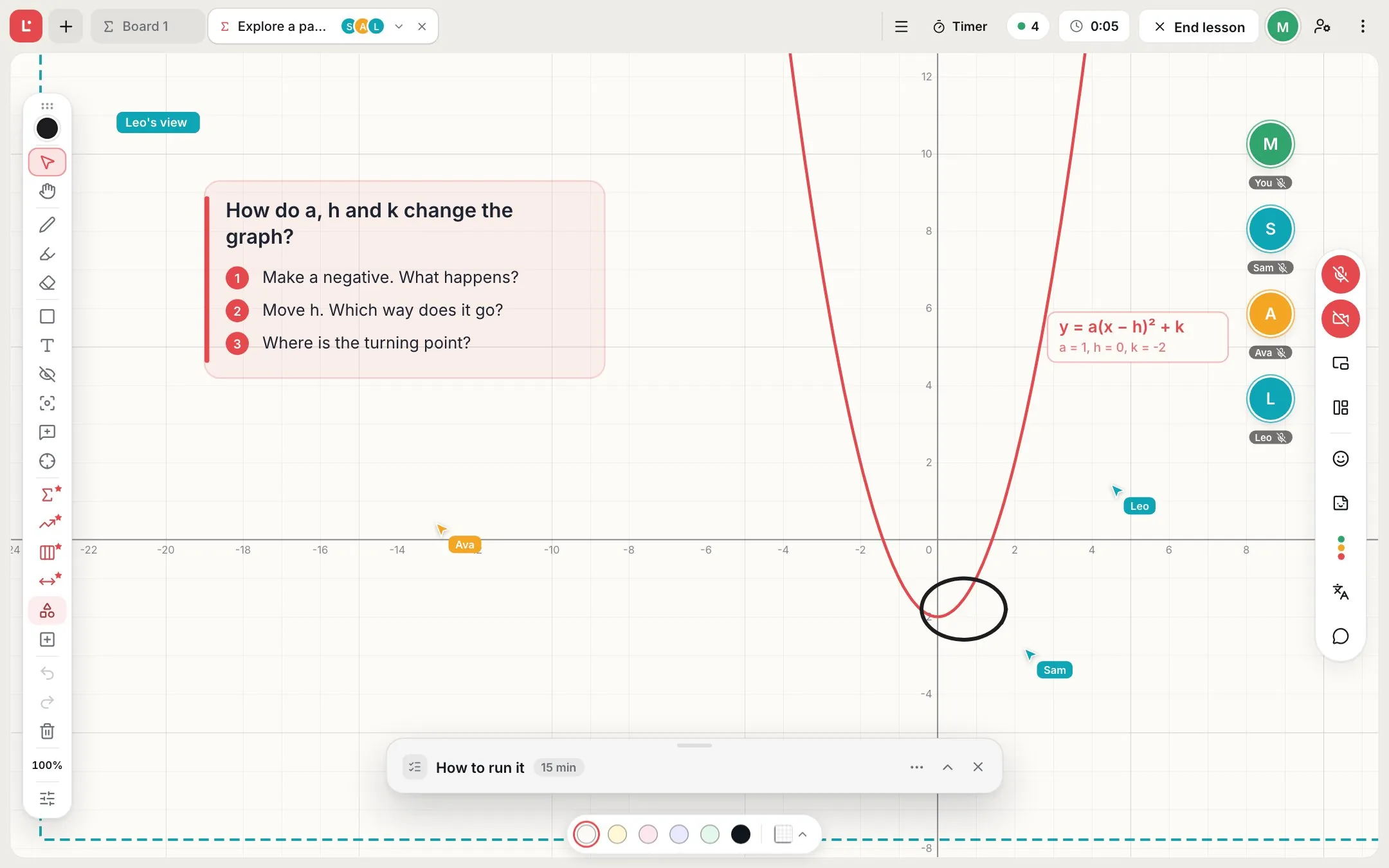
73 teaching tools, all free
A timer, a name picker, a group maker, a scoreboard, and tools for maths, science, languages, music and coding.
- Classroom tools
- Subject tools
- Fun games for the end of a lesson
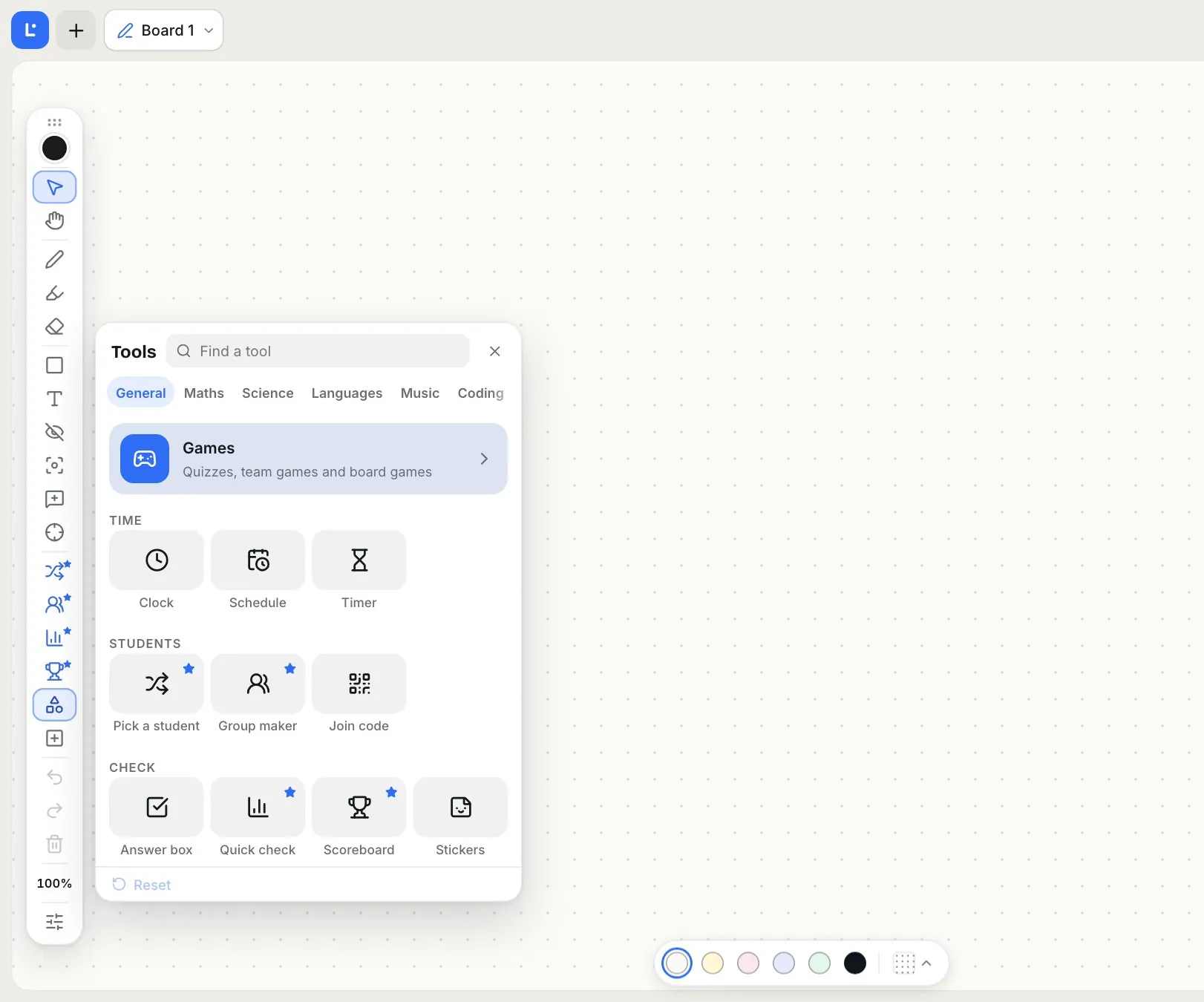
Start from a ready-made board
161 lesson starters: welcome screens, exit tickets, brain breaks and subject templates you can open in one click.
- Every subject
- Edit everything
- Free to use
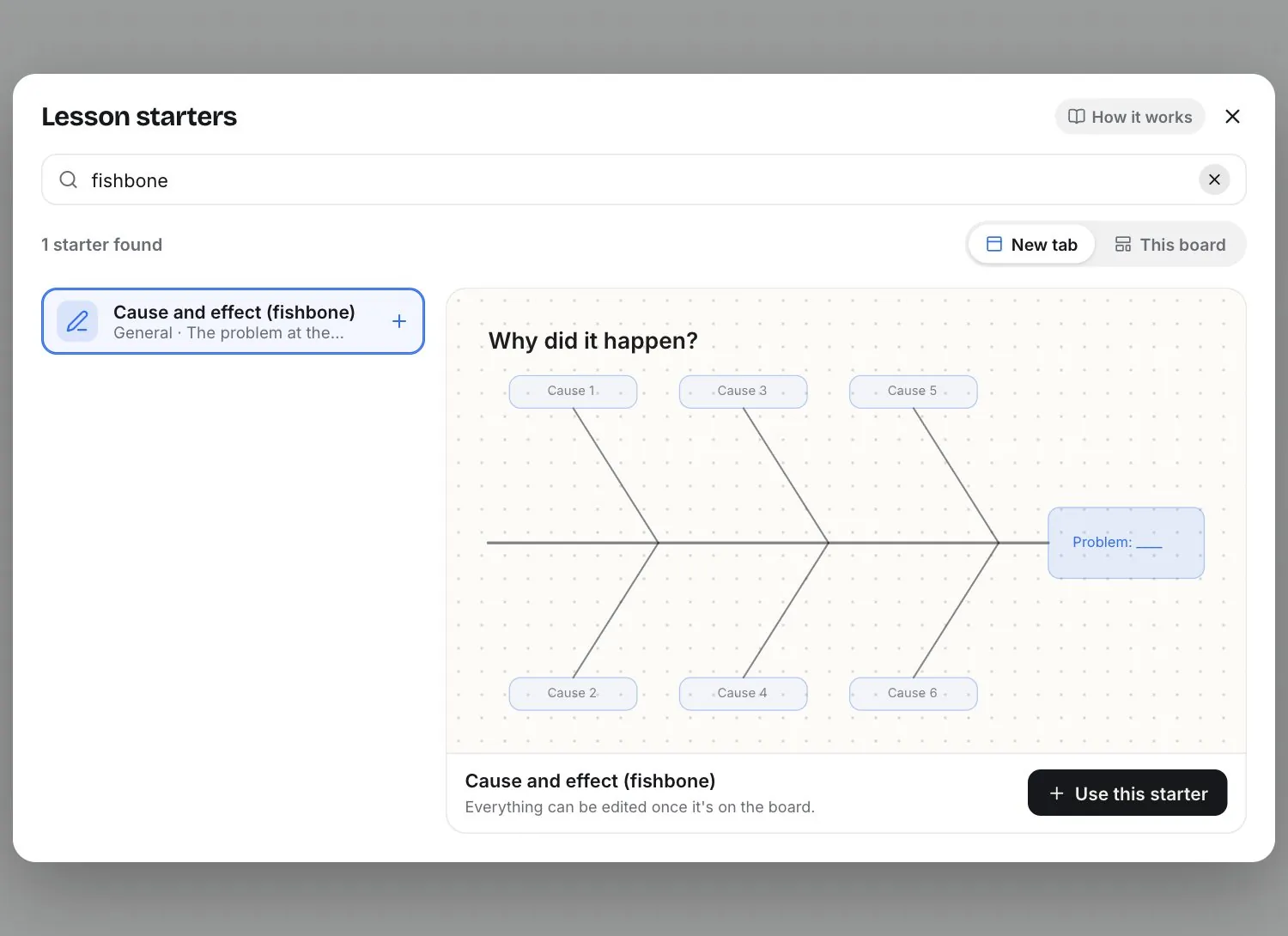
Quizzes and games included
Turn the lesson into a live quiz, a team game or one of fifteen more class games. Students play on their own devices.
- Live quizzes
- Team games
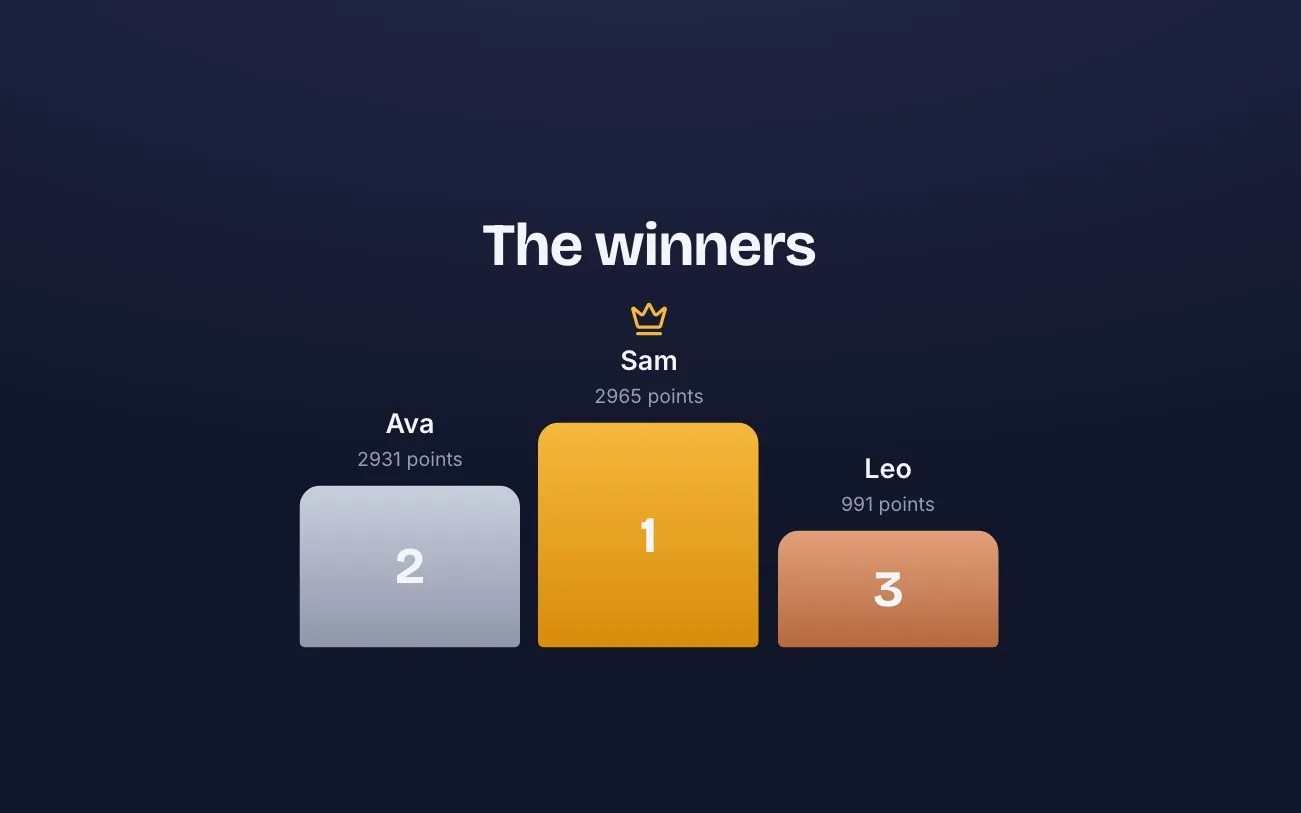
- Scoreboard and trophies
Questions
Is it really free?
Yes. The free plan includes every feature, 5 hours of live lessons a month with up to 5 students, and 3 lessons saved to your account. Pro ($12 a month) takes the limits off.
Do I need to sign up?
Not to try it. Open the board and start. Sign in when you want to teach live and save lessons to your account.
Can students write on it too?
Yes. In a live lesson students can draw on the shared board or on their own board, and you choose who can draw.
Can I save and export my board?
Lessons are kept on your device, and on every device once you sign in. You can export lesson notes as a PDF.
What do I get with Pro?
Unlimited live lessons, up to 50 students, every lesson kept in your account and more AI. Pro is $12 a month or $99 a year.
Can I share a board with someone?
Yes. Share it by link or email so others can edit or just view. On the free plan 3 people can edit at once, and viewers are never counted.
Does it work on a phone?
Yes. It runs in the browser on phones, tablets and computers, so students can join from whatever they have.