Online whiteboard for coding
Teach coding where
everyone can see the code.
Write code together in a shared editor and run it. Draw the flowchart, trace the loop, flip bits in binary and switch logic gates on and off, right next to the code.
Free plan with every feature Students join free, no account
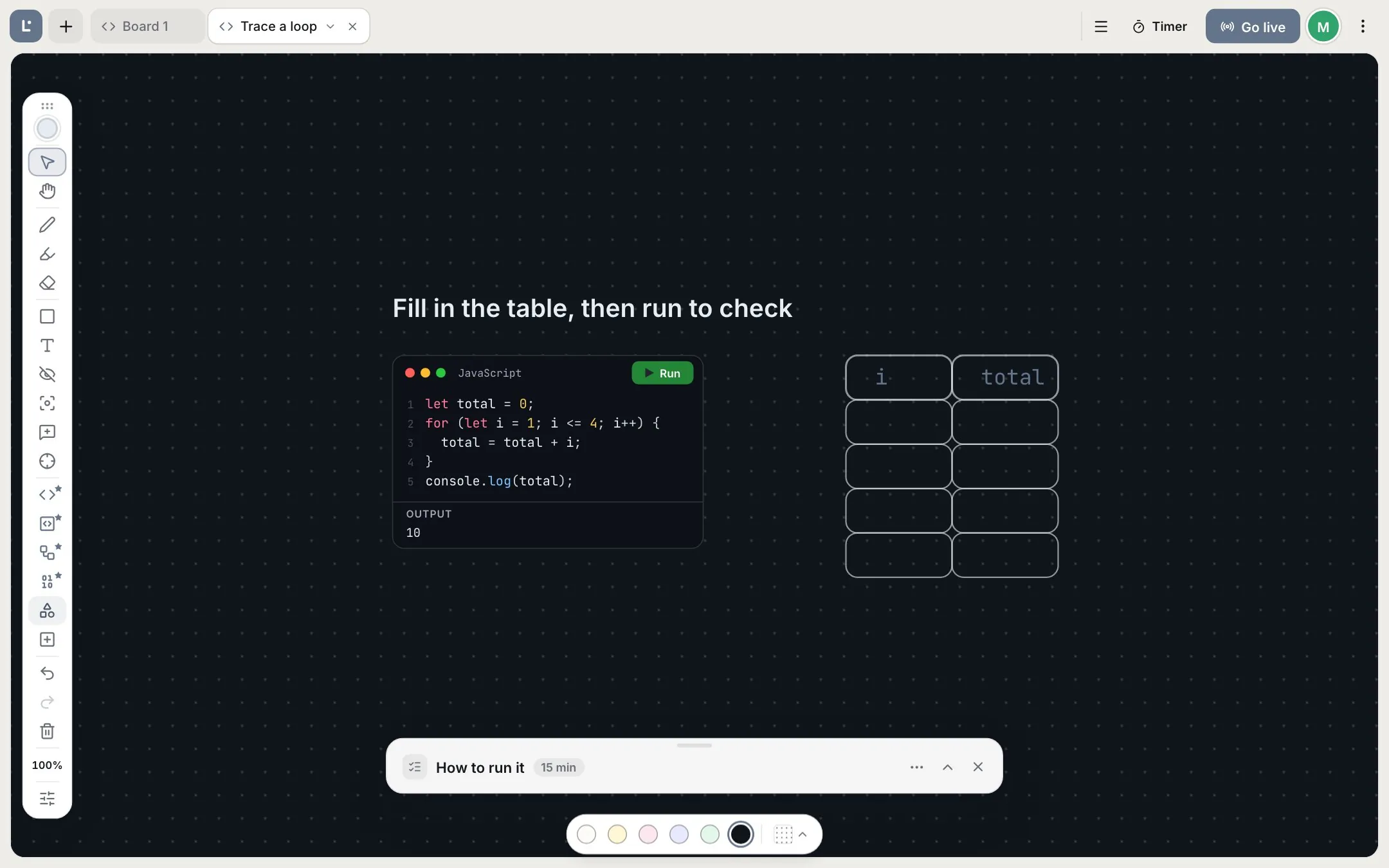
Code and the ideas behind it
Learning to code is part typing and part thinking. Students need to see the code run, but they also need to trace a loop, follow a flowchart and understand what a computer does with a number. The board gives you both, side by side.
Write code in a shared editor, run it and see the output, then draw how it works right next to it. Give each student their own board to solve a problem their own way, and compare two answers to talk about which is clearer.
Computer science you can touch
Tap a bit to change the binary number, switch a logic gate's inputs to see its output, and build a flowchart with decisions.
- Binary up to 255
- AND, OR, NOT and XOR gates
- Flowcharts with decisions
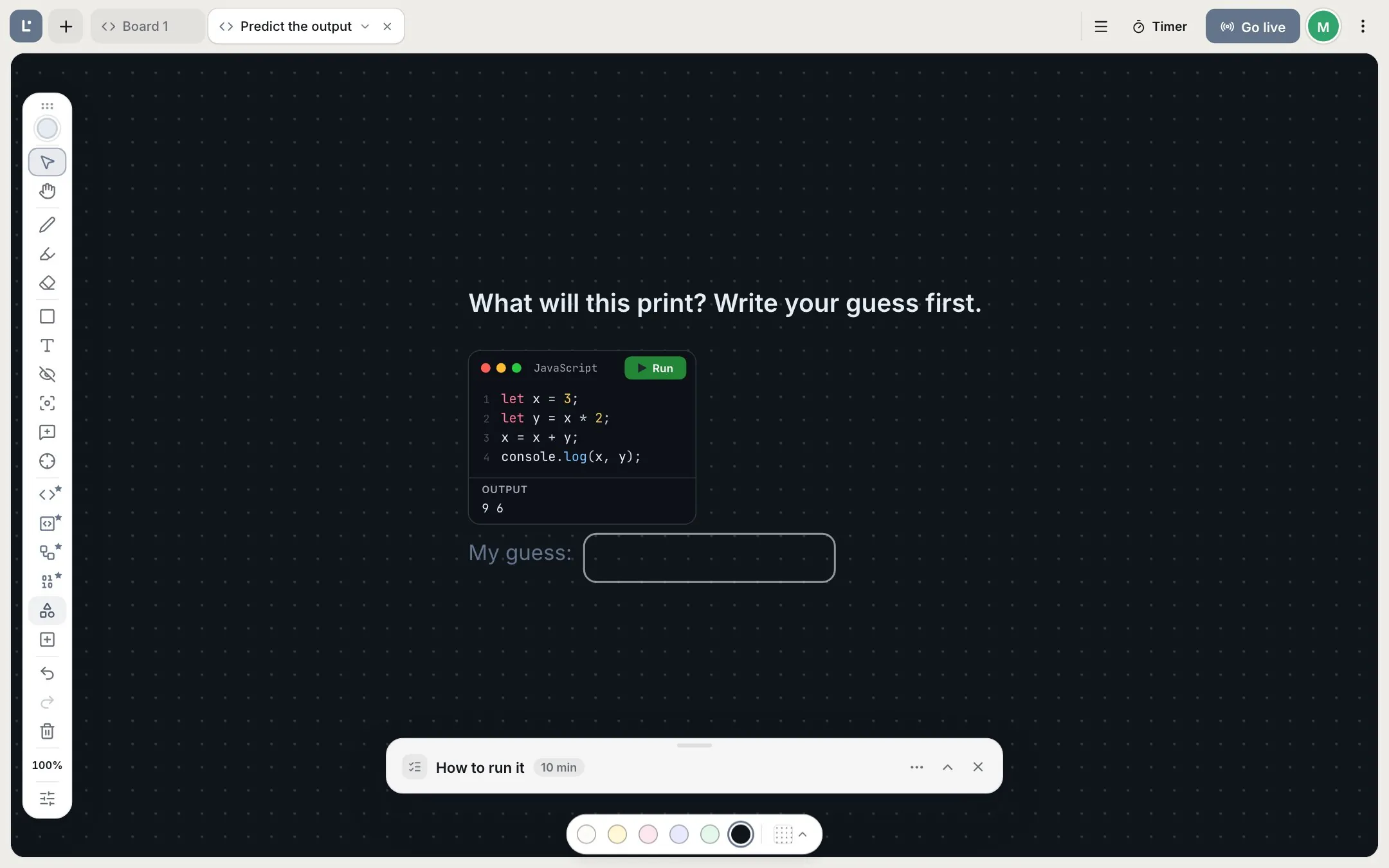
Code on the board
Put a block of code on the board to read and talk about, and run JavaScript or Python to see what it prints.
- Run JavaScript and Python on the board
- A shared editor everyone writes in
- Trace tables for dry runs
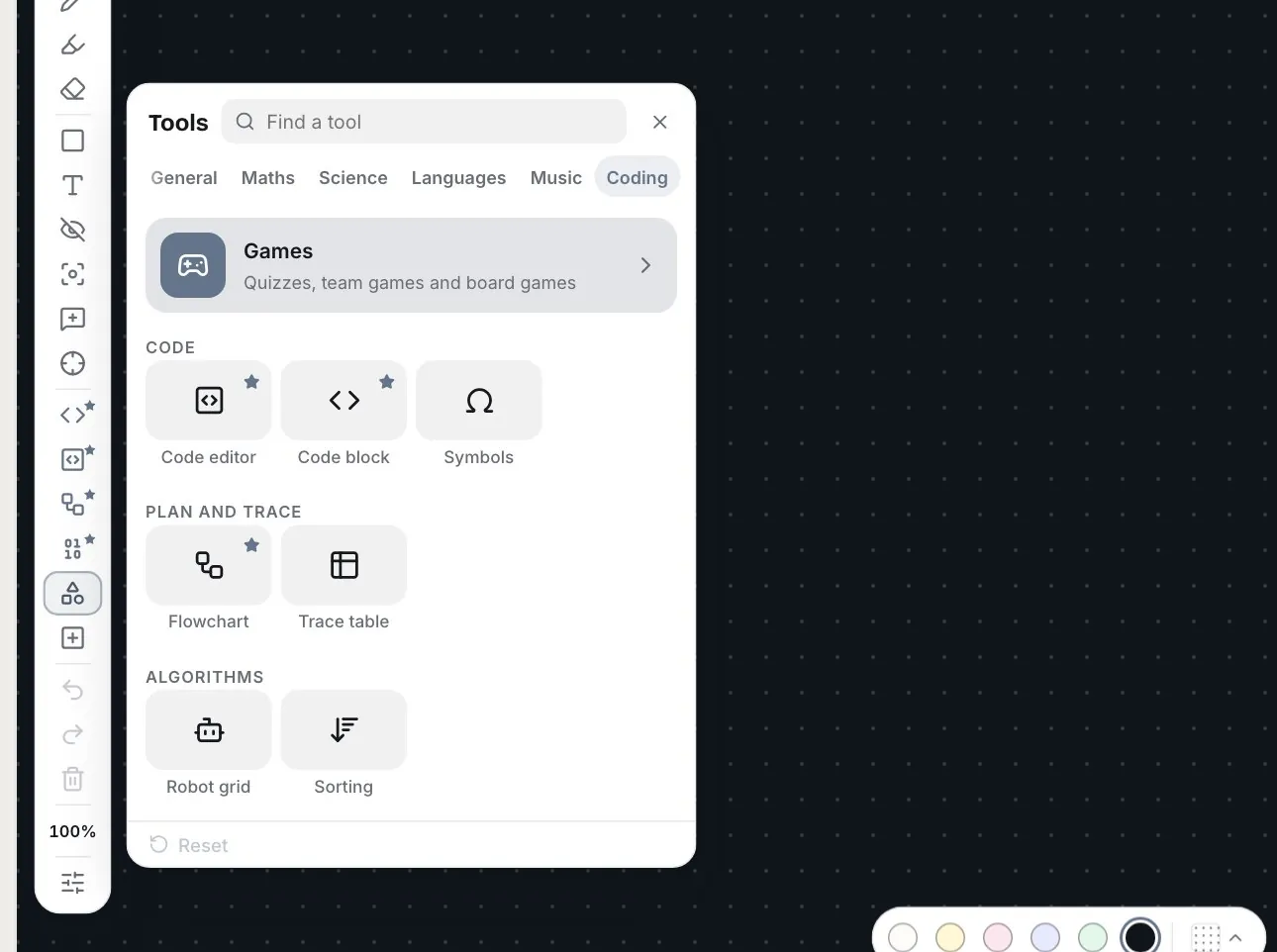
Every coding tool in one place
Code editor, code block, flowchart, binary, trace table and logic gates, plus coding symbols.
- Predict the output
- Find the bug
- Trace a loop
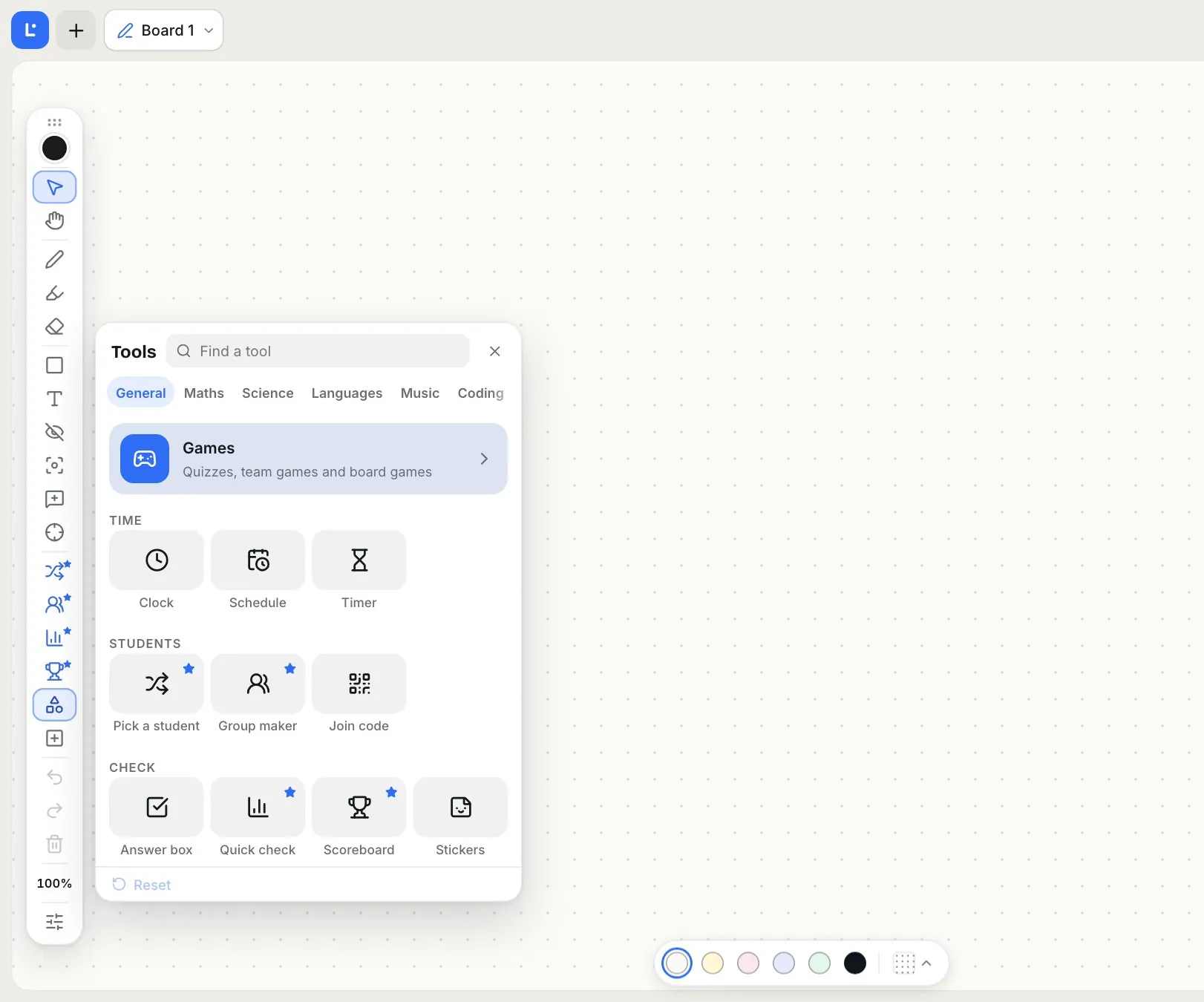
See how each student solved it
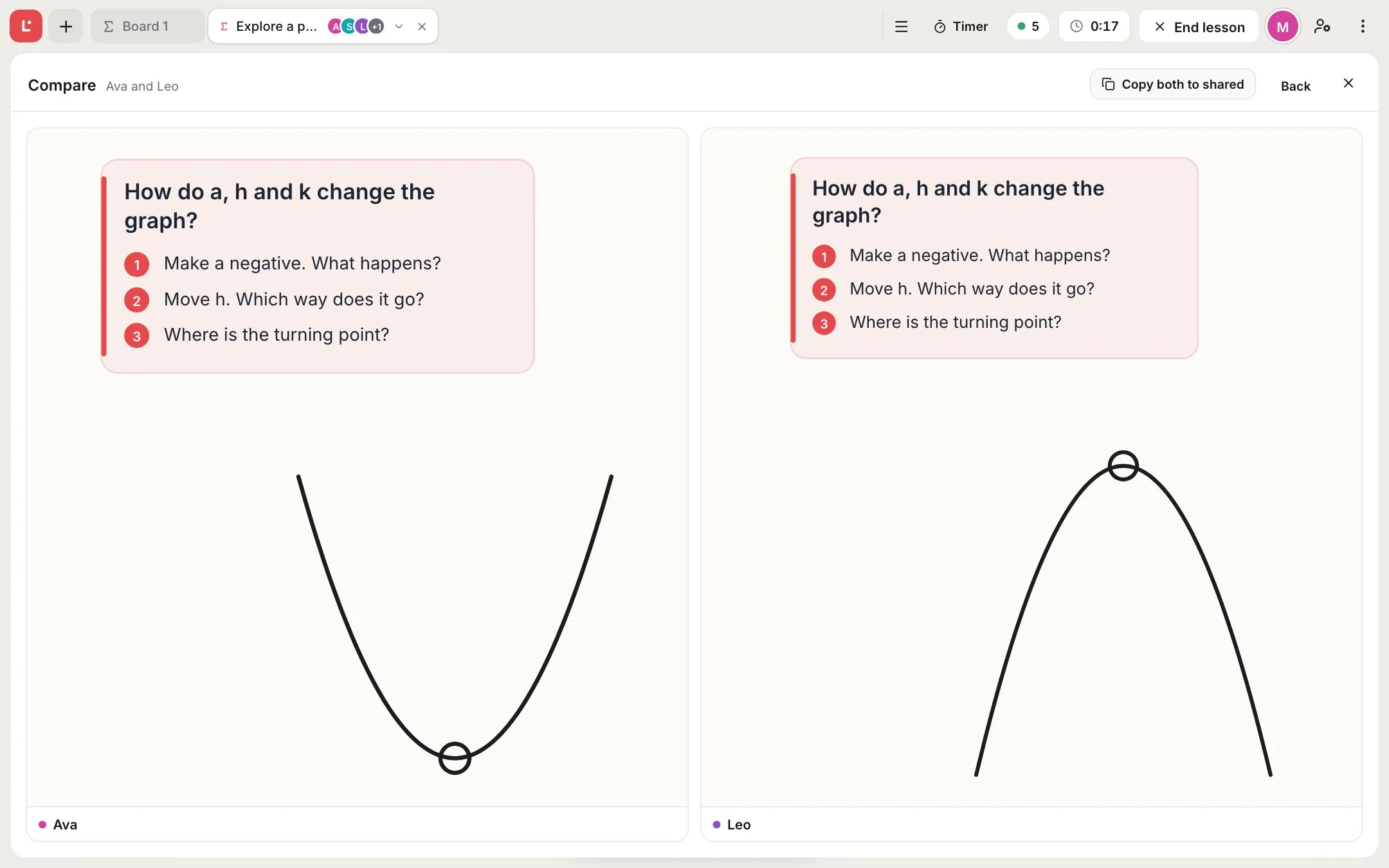
Give each student their own board, watch them work, and put two answers side by side for the class to discuss.
- Every student's own board
- Compare two answers
- Help one without stopping the class
Questions
Which languages run on the board?
JavaScript and Python both run with the Run button, in code blocks and in the shared editor. Students see the output live.
Can students write code together?
Yes. The code editor is shared, so everyone in the lesson writes in the same code.
Are there ready-made coding lessons?
Yes. Lesson starters cover variables, your first program, if statements, loops, functions, swapping values and finding bugs.
Is it free?
Yes. The free plan has every tool and 5 hours of live lessons a month. Pro is $12 a month for unlimited lessons.
Do students need to install anything?
No. The code runs in the browser, so there's nothing to set up. Students join with a link or code from any computer.
Is it good for beginners?
Yes. Start with flowcharts, binary and predicting the output before anyone types a line, then move on to code that runs.
Can I set a coding quiz?
Yes. Turn your questions into a live quiz on students' devices, with a podium at the end.