Online whiteboard for maths
The maths whiteboard that
draws the graph for you.
Write working by hand, type equations neatly, plot a function and move it with sliders. Then see every student's working on their own board.
Free plan with every feature Students join free, no account
Maths needs working, not just answers
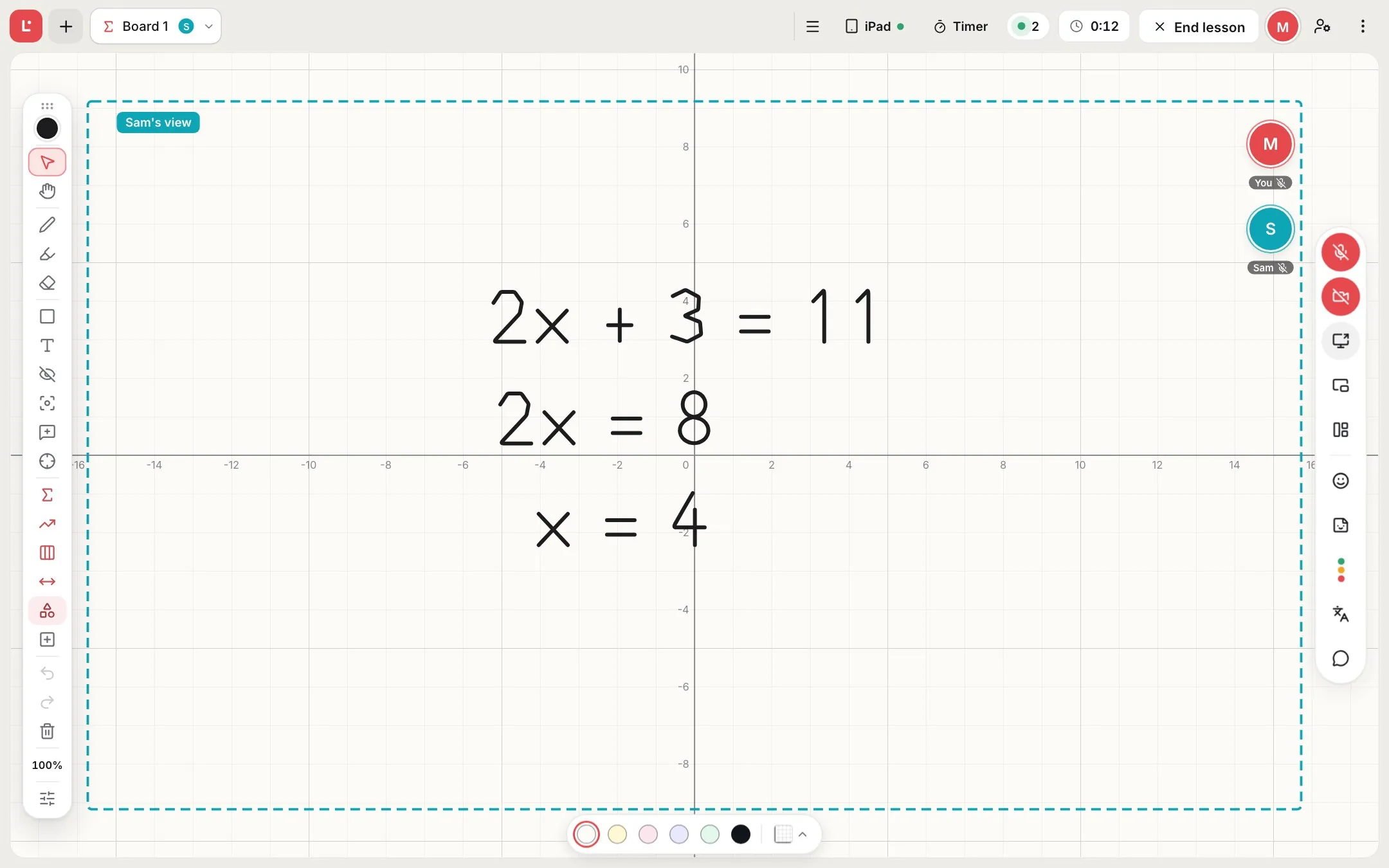
Most of what a maths teacher needs to see is the working: where a student set up the equation, which step went wrong, which method they chose. A board that only shows final answers misses all of that.
Here, every student can work on their own board while you watch them all at once. Spot the student who divided first, put their working next to a correct one, and let the class talk about the difference. Graphs, equations and number tools sit one tap away, so you never stop to draw a set of axes by hand.
Graphs that move
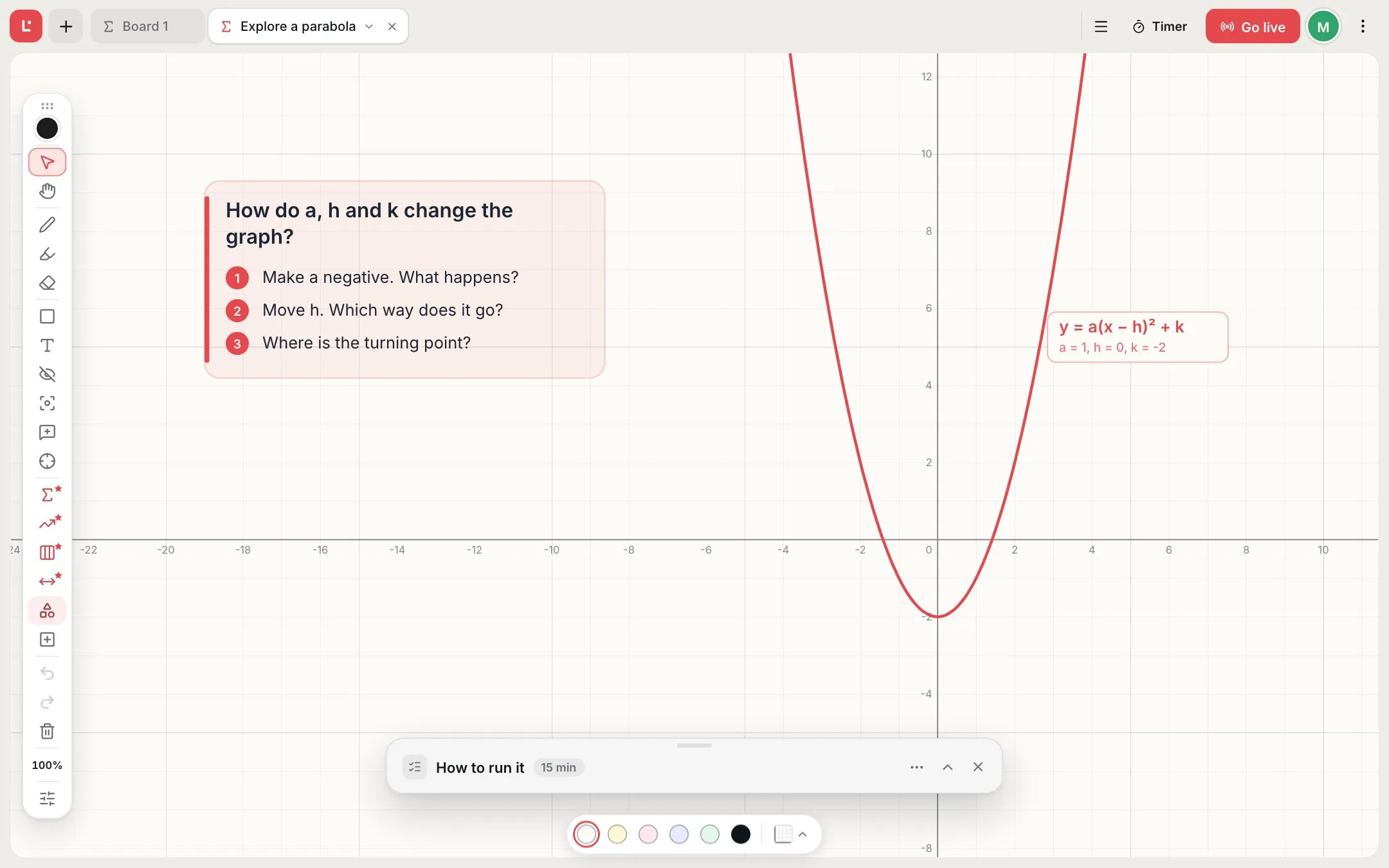
Plot a function, add sliders and let students see what each number does. Ask them where the turning point is, right on the graph.
- Graphs with sliders
- Coordinate paper
- Draw on top
See every student's working
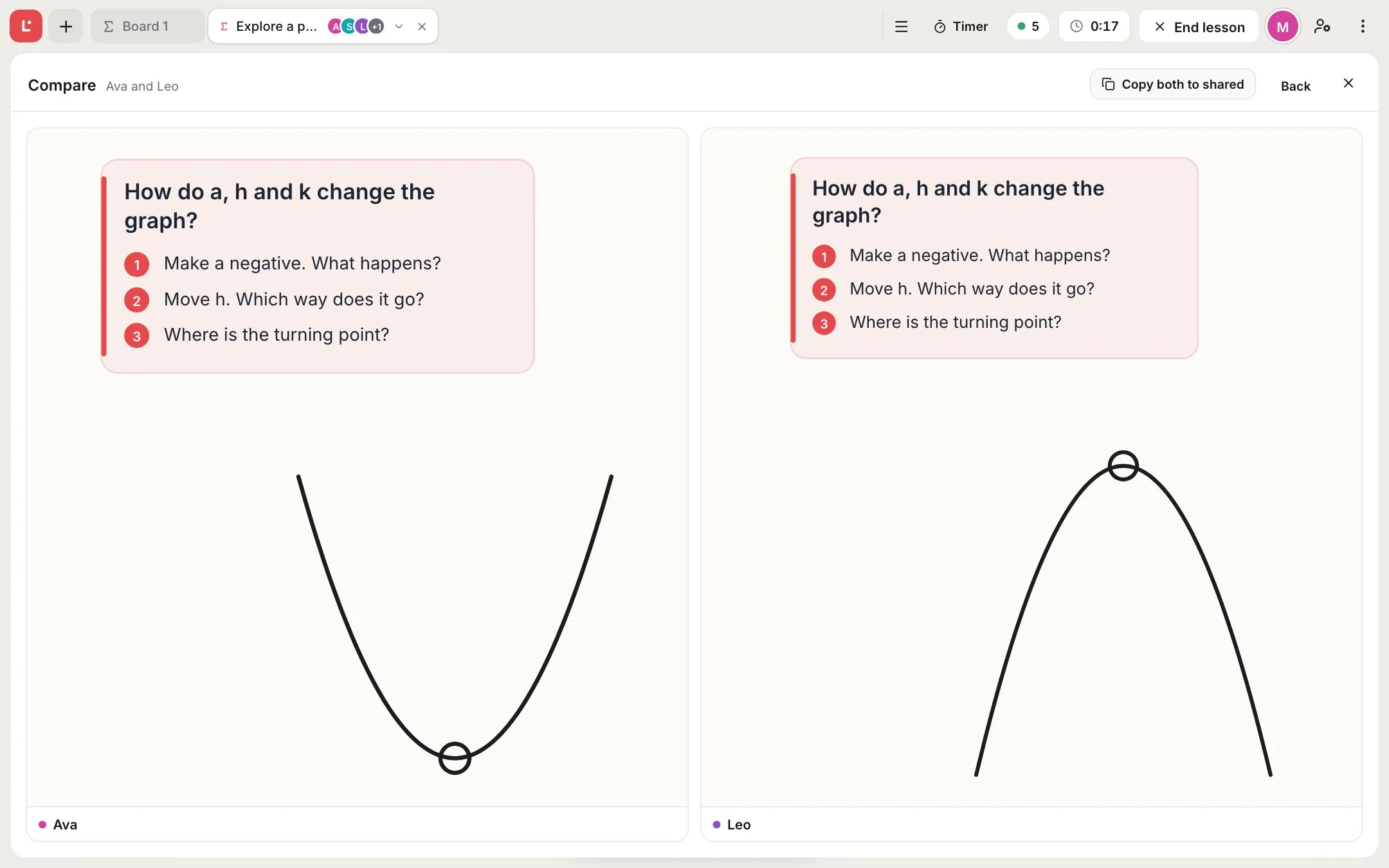
Give each student their own board, watch them work, and put two methods side by side for the class to discuss.
- Every student's own board
- Compare two answers
- Help one without stopping the class
Check before you move on
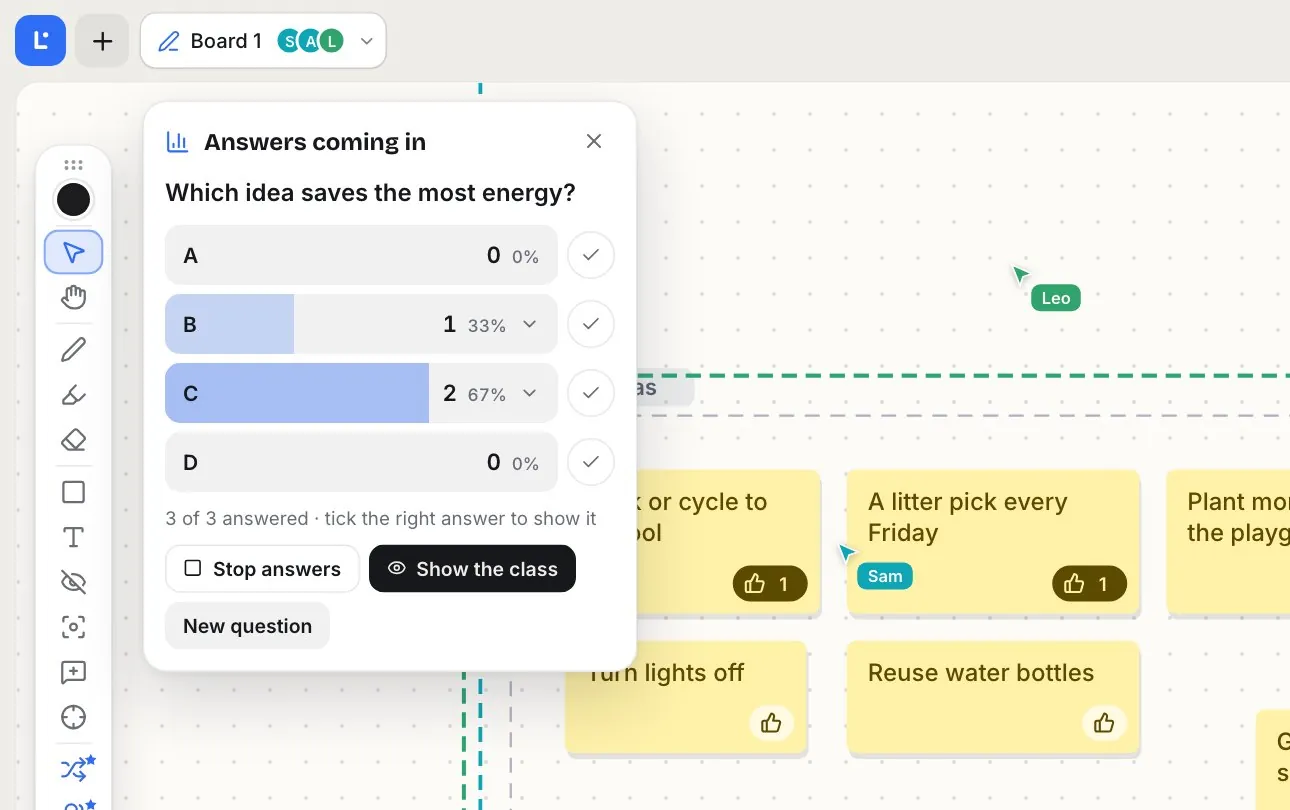
A quick multiple-choice check tells you who's ready. A traffic light tells you who's quietly lost.
- Quick checks
- How's it going?
- Who's stuck
Every maths tool you reach for
Equations, number lines, fraction bars, bar and pie charts, 2D and 3D shapes, a protractor, a ruler, a calculator and dice, each in a tap.
- Equation editor
- Charts from your own numbers
- Shapes with faces, edges and nets
Questions
Can I type equations?
Yes. The equation tool writes fractions, roots, powers and symbols neatly, and you can still write by hand around them.
Does it work with a drawing tablet or iPad?
Yes, with pencil pressure on tablets, so handwritten working looks natural.
Can students show their working?
Yes. Give each student their own board and see them all at once, or let them write on the shared board.
Are there maths templates?
Yes. There are lesson starters for fractions, angles, coordinates, equations, probability and more.
Can I plot graphs?
Yes. Type a function and it's plotted on the board. Add sliders to change each number and watch the graph move.
Is there a calculator and a protractor?
Yes. A calculator, a ruler, a protractor and dice are all in the maths tools, ready to drag onto the board.
Can I make a maths quiz?
Yes. Turn your questions into a live quiz students answer on their own devices, or let AI build one from a topic.