Online whiteboard for homeschool
Homeschool every subject
from one board.
Maths graphs, a periodic table, word cards, a piano and code that runs, all in one place. Open a ready-made lesson or let AI build one from a topic, then pick up where you left off tomorrow.
Free plan with every feature Students join free, no account
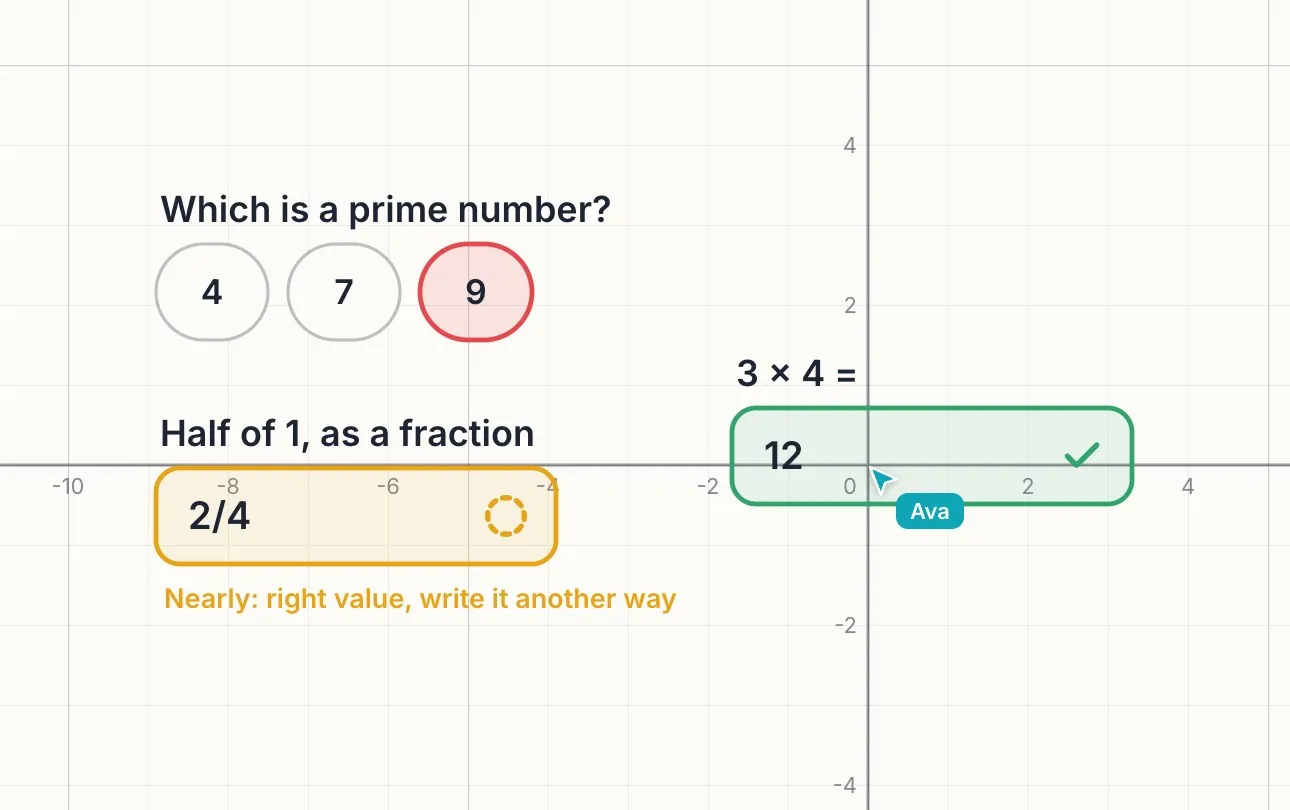
Every subject in one place
Homeschooling often means teaching several subjects in one day, sometimes to children of different ages. Instead of a different site for each, you get one board with tools for maths, science, languages, music and coding, and a lesson starter for most topics.
Each board is kept, so tomorrow's lesson starts where today's ended. When a topic is new to you too, type it in and let AI build a lesson to work through together. A short summary at the end gives you a record of what each child covered.
A lesson ready in one click
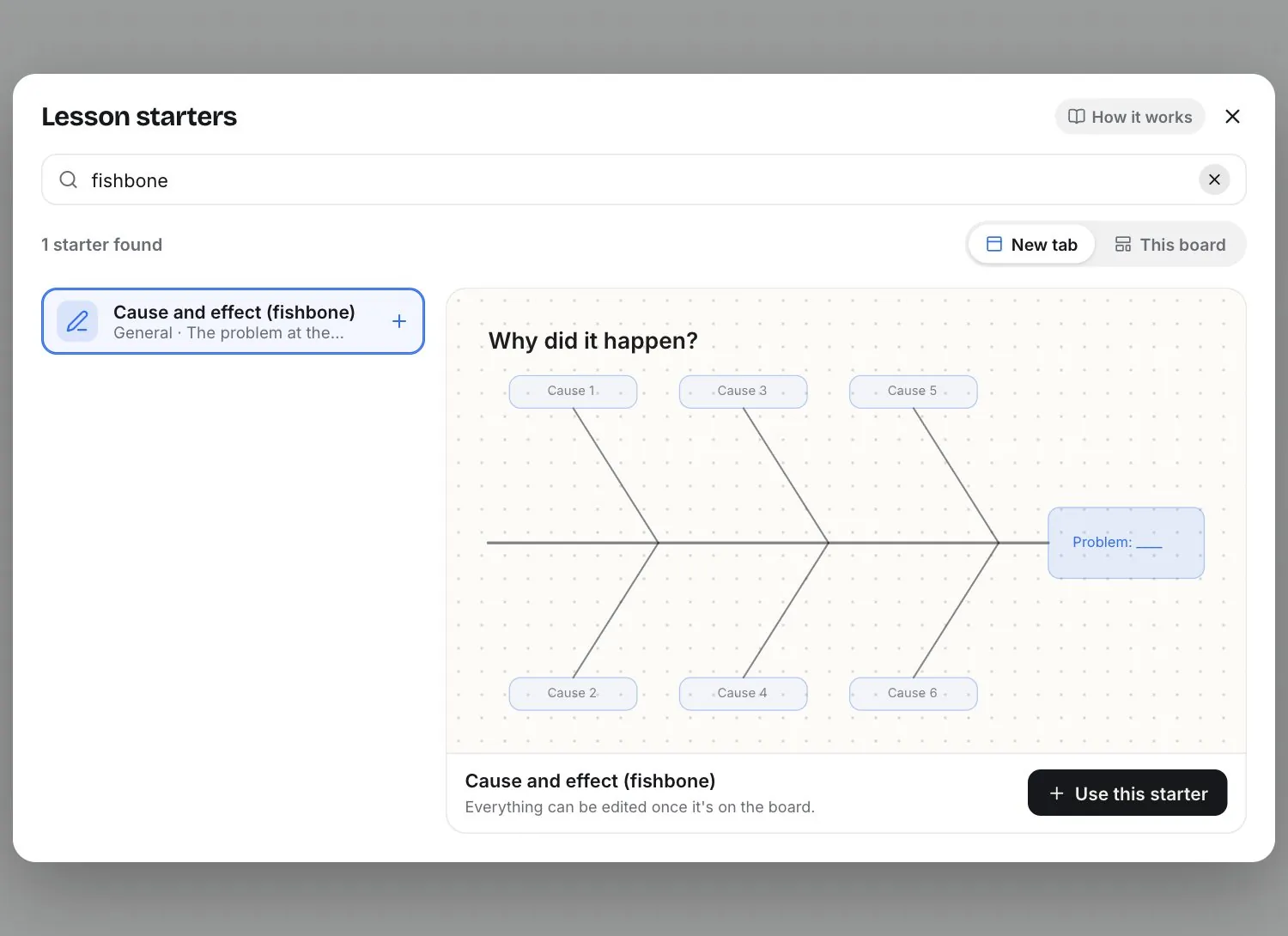
161 lesson starters across every subject: open one, change what you like, and teach.
- Maths, science, languages, music and coding
- Start of the day and brain breaks
- Edit everything
Make a lesson from a topic
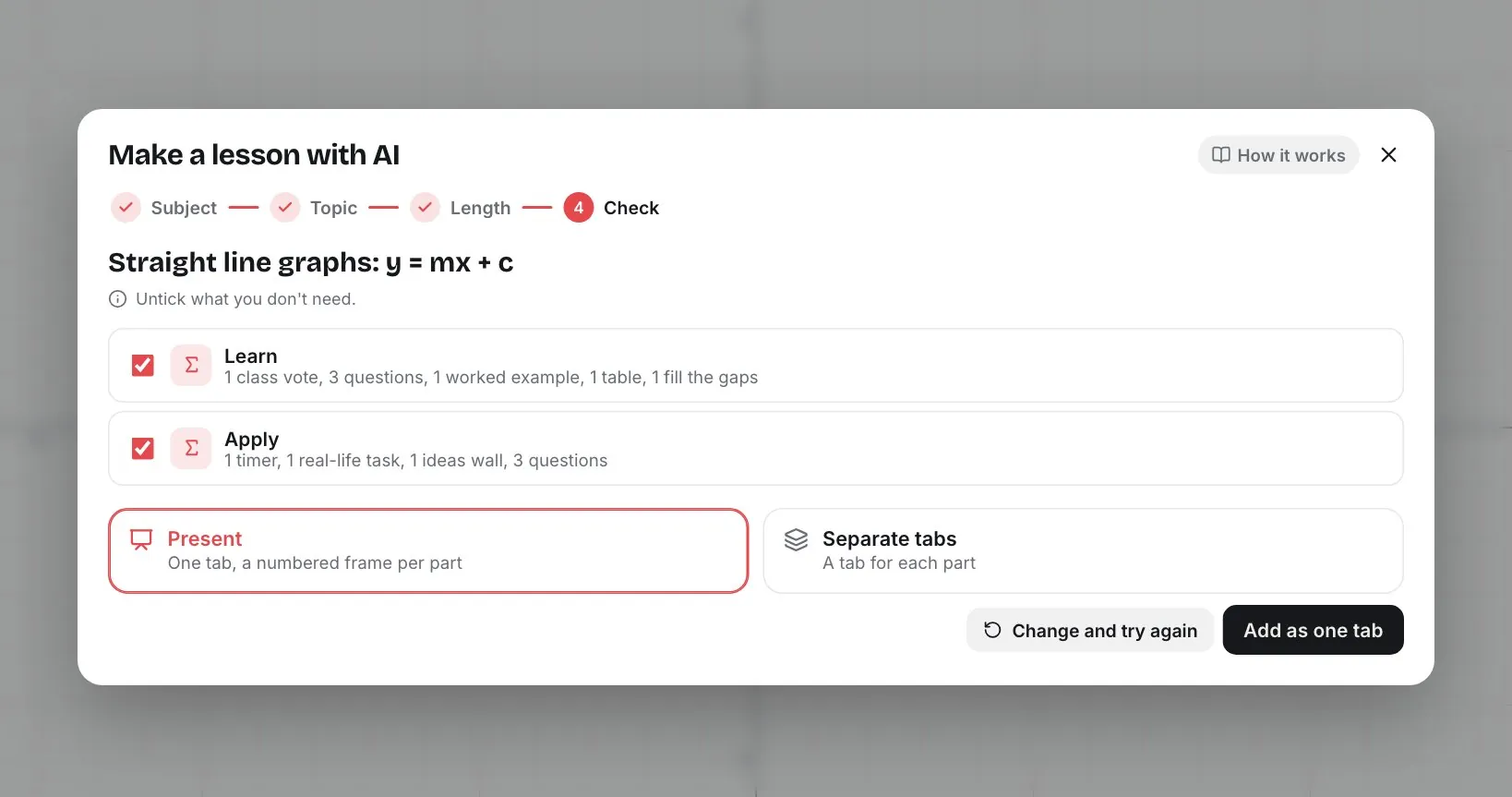
Type what you want to teach, or drop in a worksheet, and AI builds a lesson from the board's tools, with a numbered part for each step.
- From a topic or a worksheet
- Quizzes made for you
- Present it step by step
Tools for every subject
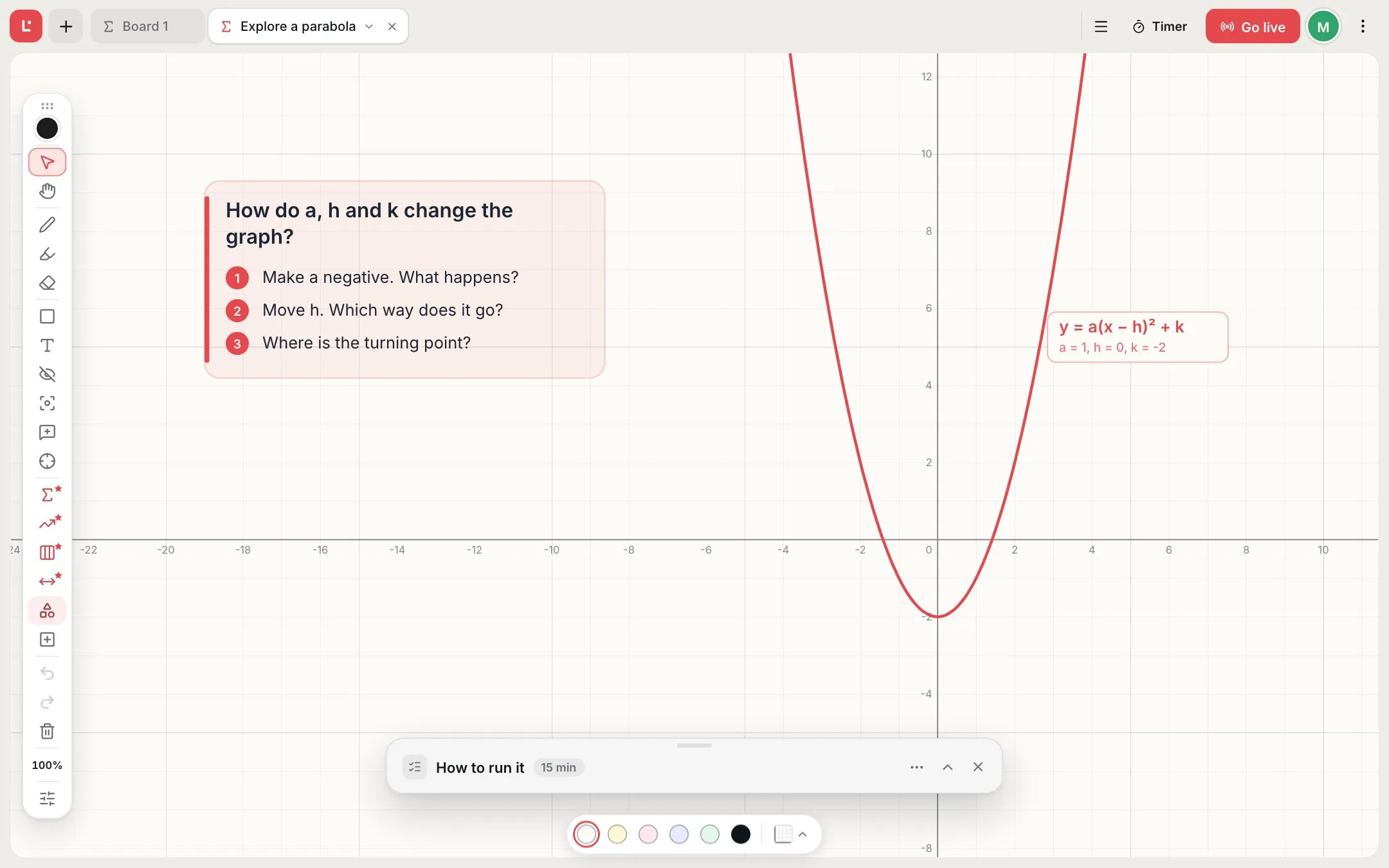
Graphs with sliders, fractions, a periodic table, word cards that speak, a piano and code that runs: 73 tools, each in a tap.
- Works with a tablet and pencil
- Each child's own board in a live lesson
- Games for the end of the lesson
A record of what you covered
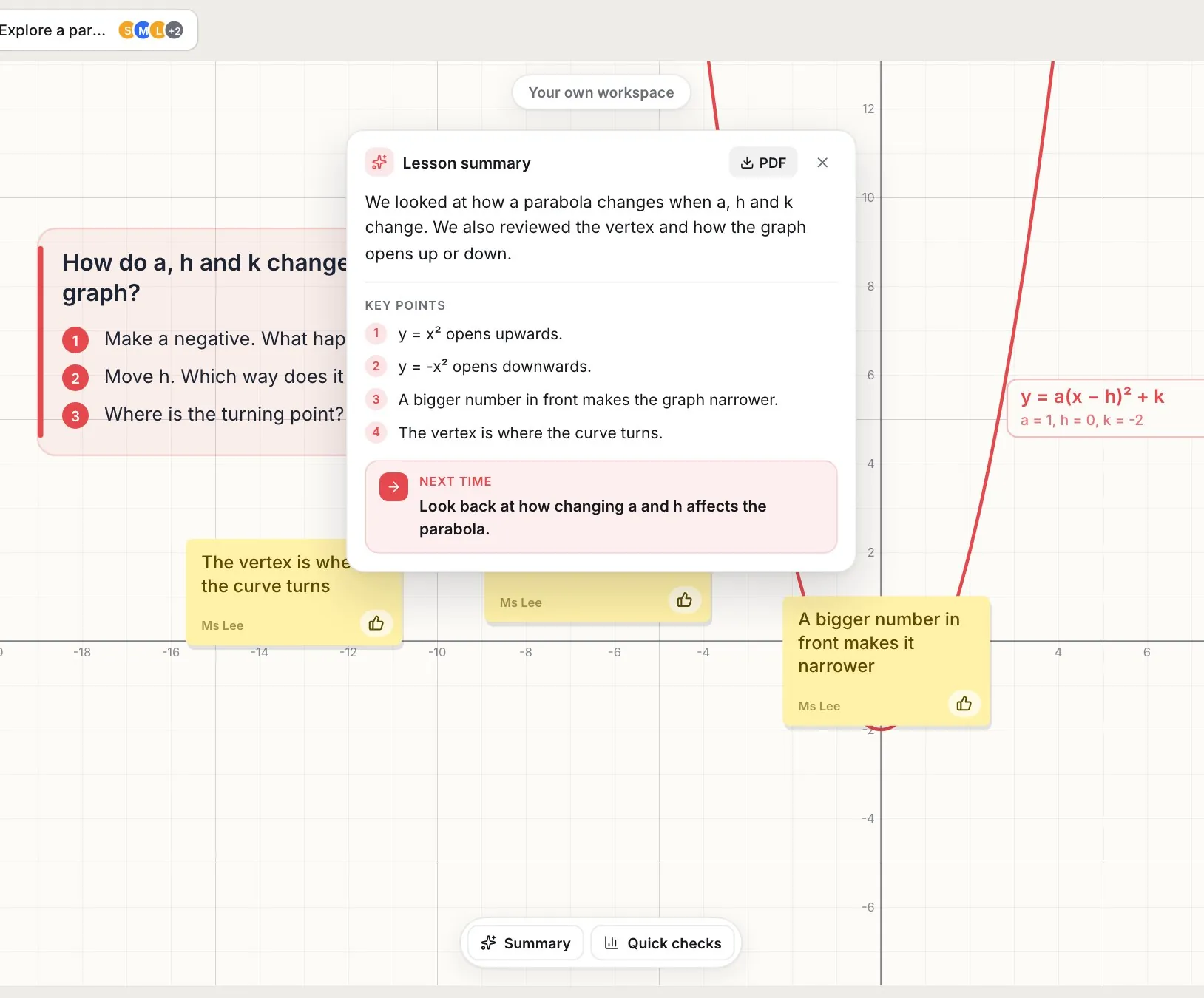
At the end, the board turns into a short summary of what you covered and what to practise next.
- AI lesson summaries
- Boards kept for next time
- A PDF to keep
Questions
Do I have to teach live online?
No. You can use the board at home, side by side. Going live is there when a child learns from another room or with a tutor.
Can each child have their own board?
Yes. In a live lesson each child can work on their own board while you see them all.
Is it free?
Yes. The free plan has every tool, 3 AI builds a month (lessons, quizzes and games) and 3 lessons kept in your account. Pro is $12 a month for every lesson kept and more AI.
Does it work on a tablet?
Yes. It runs in the browser on iPads, Android tablets, Chromebooks and computers.
Can a tutor join our lessons?
Yes. Go live and share the link, and a tutor or another family can join from their own home.
Can I teach two children at once?
Yes. Give each child their own board in a live lesson, or work side by side on one board at home.