Interactive whiteboard online
An interactive whiteboard
in any browser.
No hardware and no install. Open it on the classroom screen or your laptop, write with a pen or a finger, and let students join from their own devices to draw, answer and play.
Free plan with every feature Students join free, no account
An interactive whiteboard without the hardware
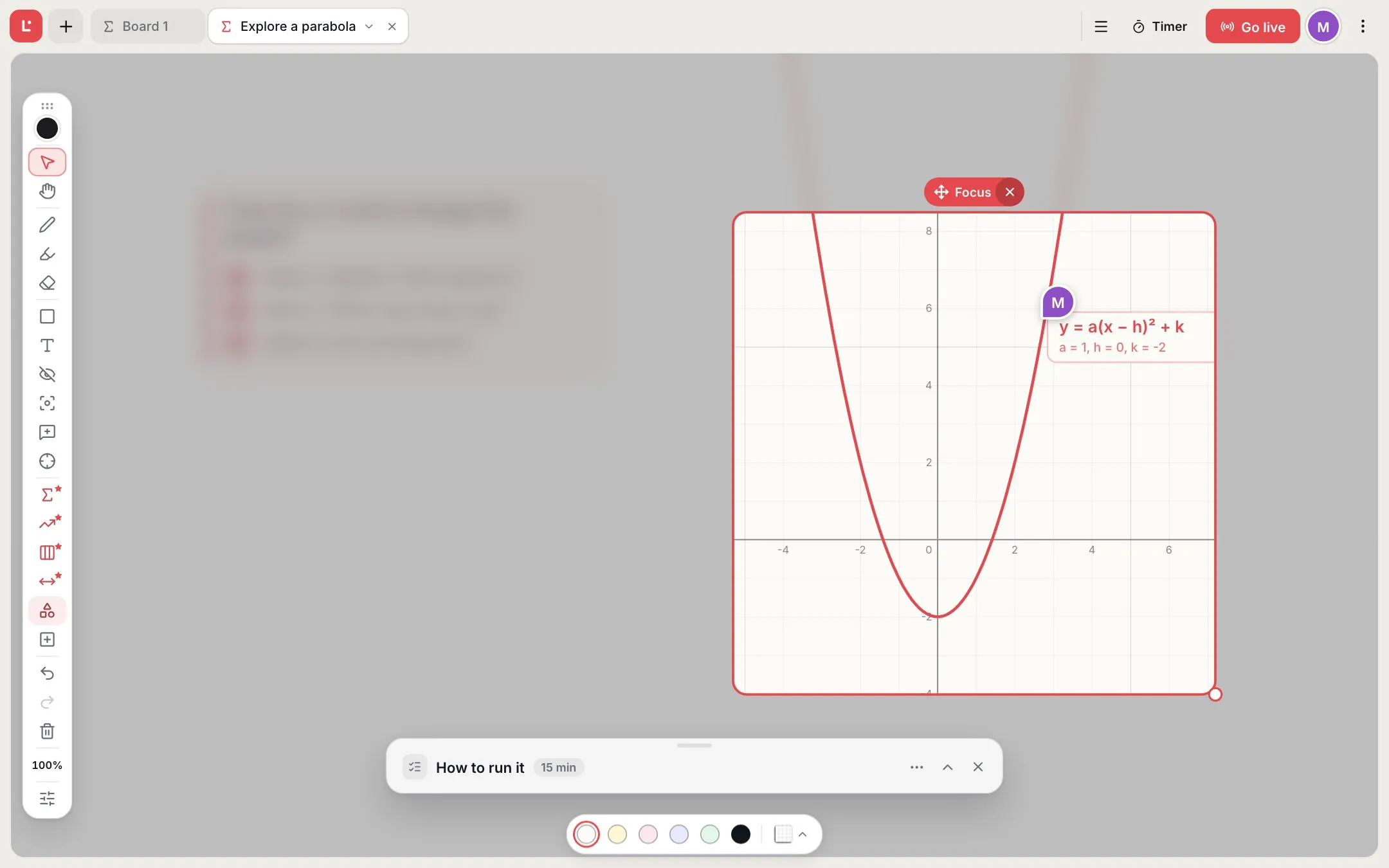
A classroom interactive whiteboard usually means a costly screen, special pens and software that only runs in one room. This one runs in any browser, so you can plan at home on a laptop and teach on whatever screen the classroom has.
It does more than a wall screen can, too. Students join from their own devices to draw, vote and answer, so the board isn't just for the person at the front. Your boards are saved to your account and open on any device.
Write, draw and teach
Pens, highlighter, shapes, text, sticky notes and tables, plus graphs and equations. Works with a mouse, a touchscreen or a pencil.
- Pencil pressure on tablets
- Sticky notes and tables
- Backgrounds for every subject
Present step by step
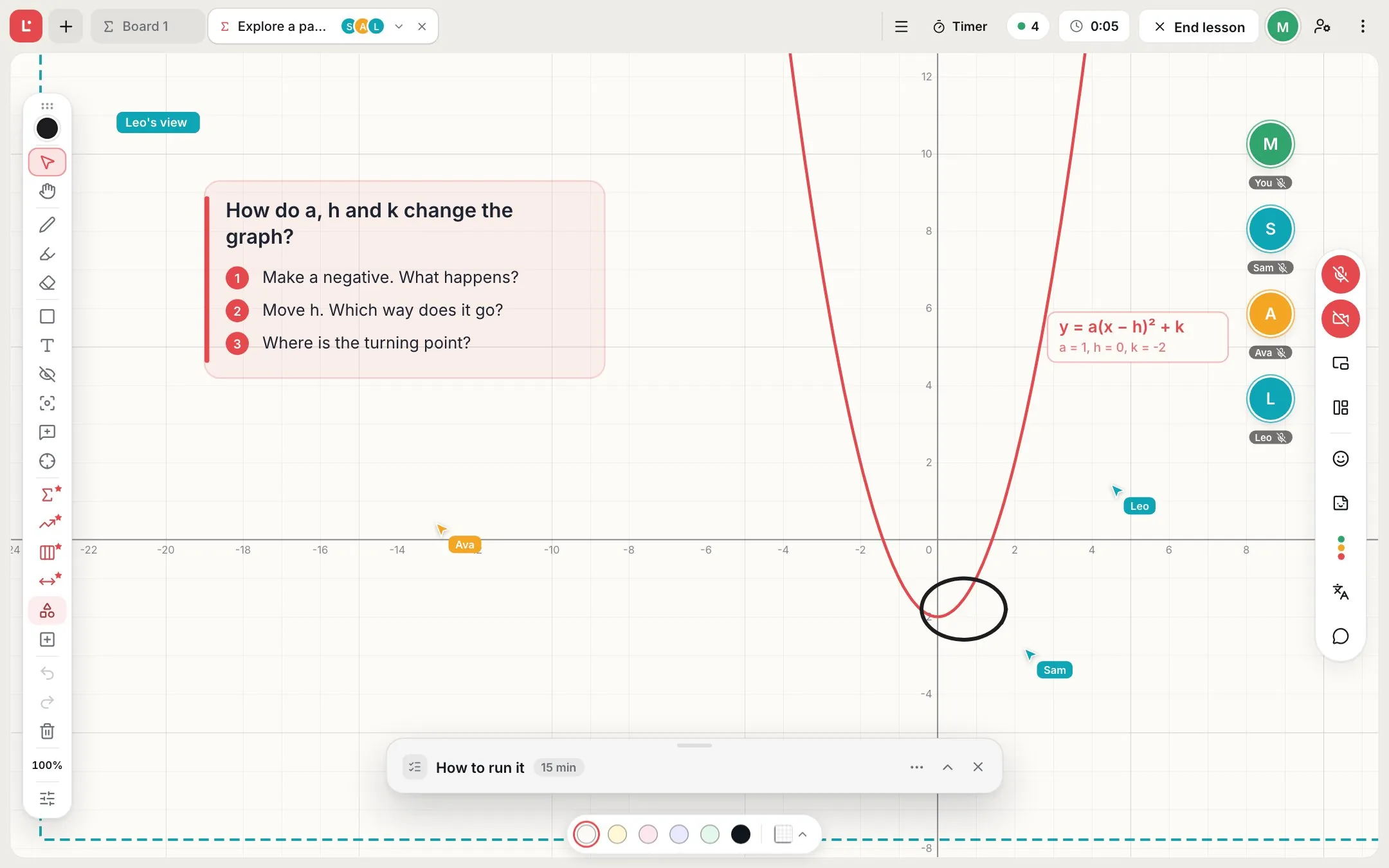
Put each part of the lesson in a numbered frame and present them one at a time, like slides you can still write on.
- Frames or numbered steps
- Hide later steps
- Write on every step
Bring in what you already have
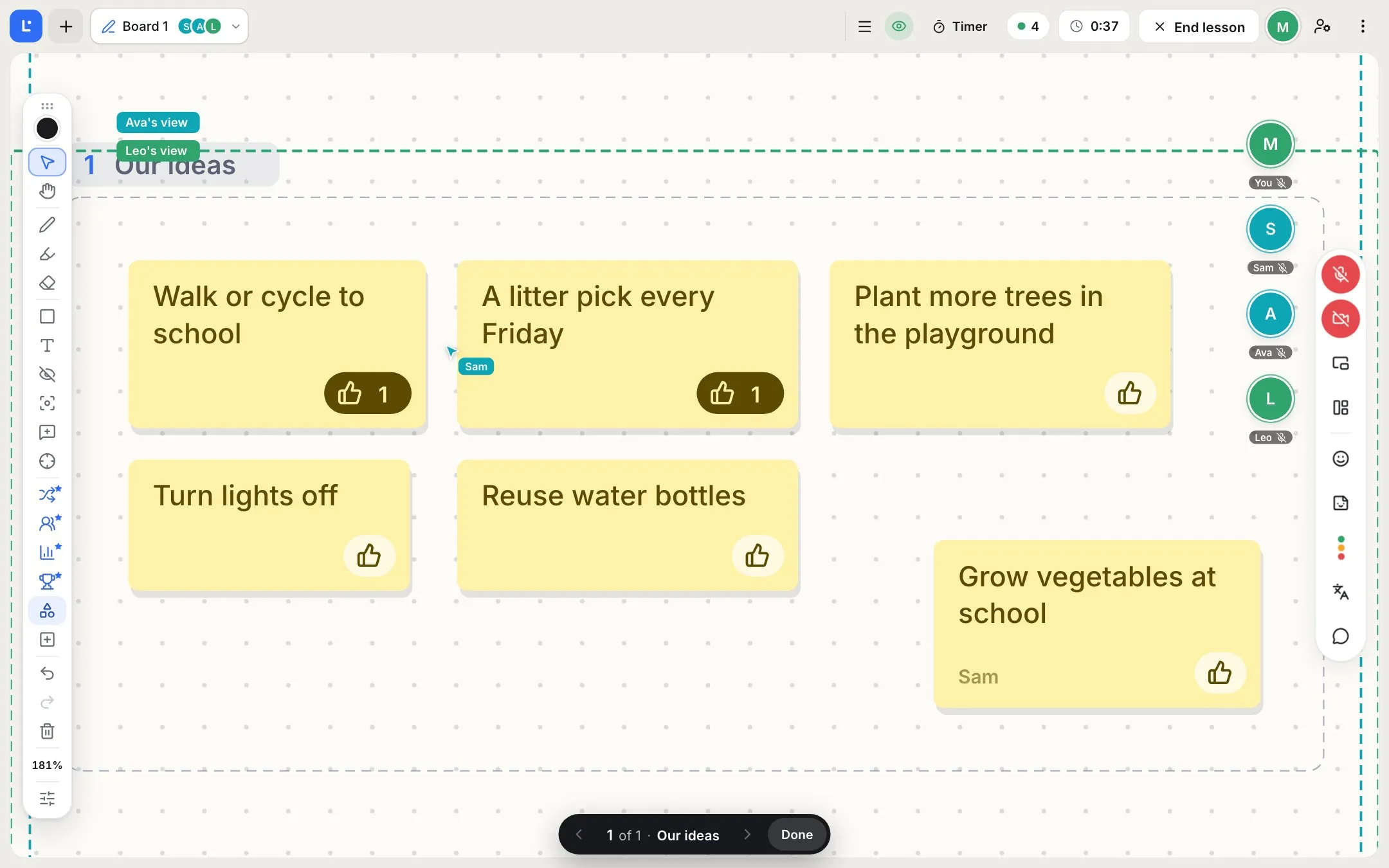
Drop in a PDF, Word file, slides or photos as one card with its pages, and write on them. Or put a video, a sound file or a website right on the board.
- PDF, Word, slides and Excel
- MP3, videos and websites
- Cover an answer and reveal it
Students join and take part
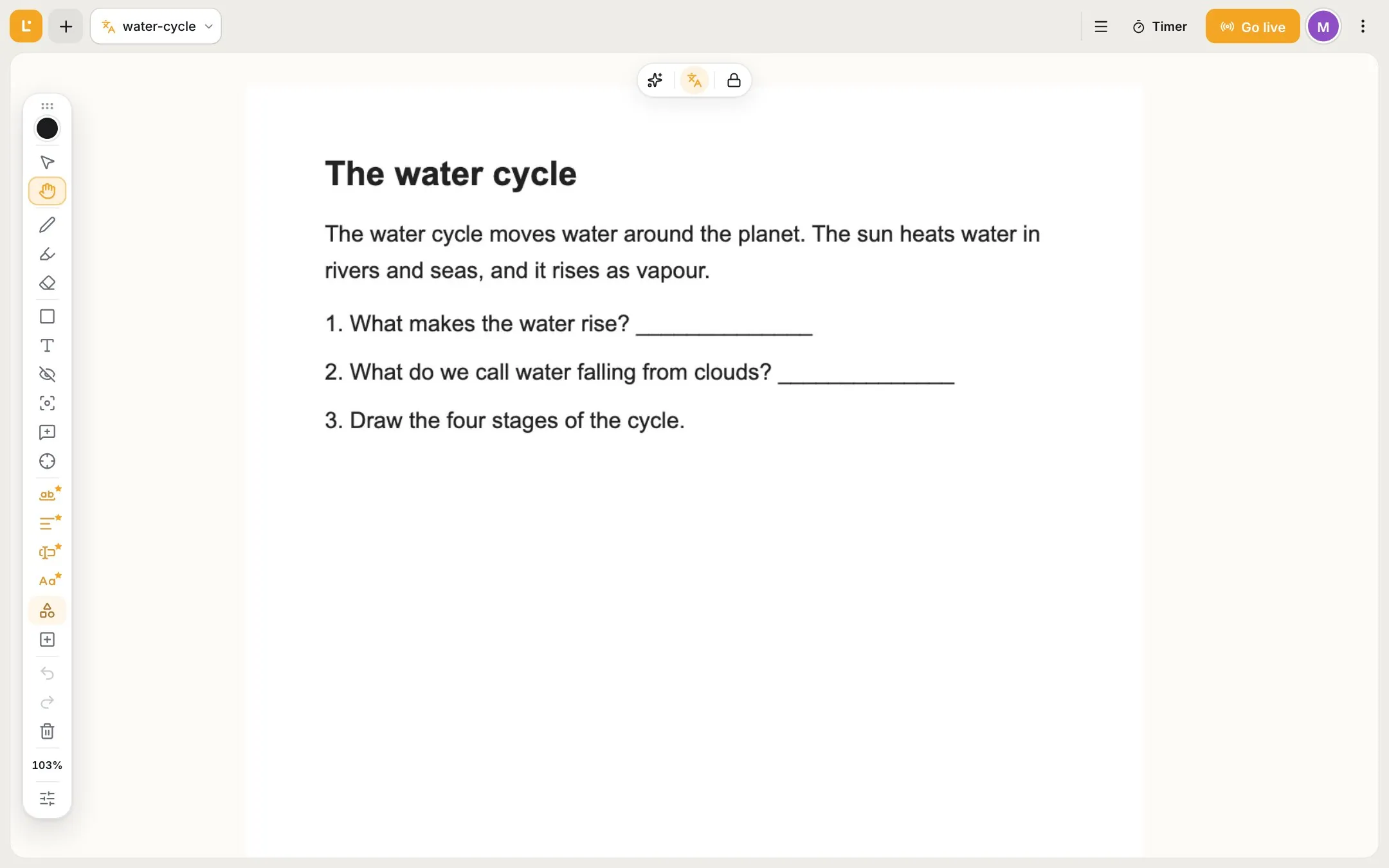
Students join with a code to draw on the board, answer a quick check or play a live quiz on their own devices.
- Live quizzes with a podium
- Every student's own board
- Quick checks and polls

Questions
Do I need special hardware?
No. It runs in the browser on any computer, tablet or classroom screen. A touchscreen or a pencil works, and so does a mouse.
Is it free?
Yes. Try the board without signing up. The free plan has every feature and 5 hours of live lessons a month. Pro is $12 a month.
Can students use it too?
Yes. Students join with a code from their own devices to draw, answer and play, with no account.
Can I save my boards?
Yes. Boards are kept on your device, and in your account once you sign in, so you can open them again next lesson.
Does it work on a classroom touchscreen?
Yes. Open it in the browser on the classroom screen and write with your finger or the screen's pen.
Can I use my tablet as a pen?
Yes. Scan a code with your iPad or Android tablet and it becomes your pen for the board on your computer.
Are there ready-made lessons?
Yes. Open one of the lesson starters, from welcome screens and exit tickets to subject lessons, and change anything you like.